Now Reading: Best Project Management Tools for Software Teams
-
01
Best Project Management Tools for Software Teams

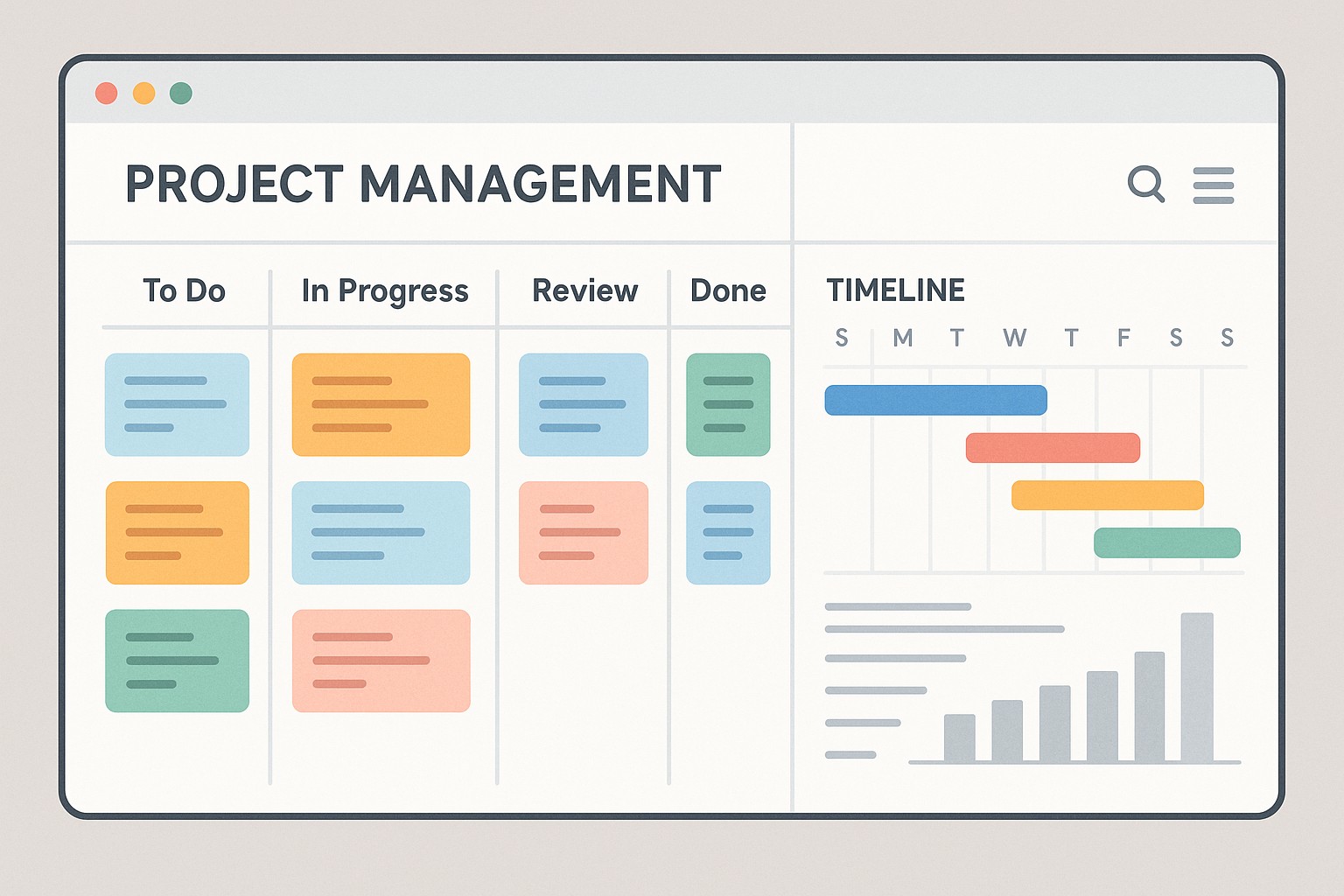
Overview and positioning of project management tools for software teams
Project management tools in software teams serve to plan work, track progress, coordinate across roles, and ensure alignment with product goals. They anchor the software development lifecycle by supporting backlog management, sprint planning, issue tracking, and release coordination. For teams that rely on continuous integration and frequent releases, these tools bridge development work with planning, testing, and delivery, creating an auditable trail from idea to production.
In practice, different teams gravitate toward different models. Some lean on formal, document-heavy workflows that resemble cycle en v, where each phase is validated before moving forward. Others work in iterative, sprint-driven cycles aligned with agile frameworks like Scrum or Kanban. The best choice balances the team’s technical practices, release cadence, compliance needs, and the desired level of visibility for stakeholders. When evaluating tools, software teams typically consider: issue tracking fidelity, support for custom workflows, ease of collaboration, integration with code repositories and CI/CD, and the scalability of permissions and data governance.
Key differentiators of major project management tools
While many tools share core capabilities, each platform emphasizes certain strengths that align with specific team needs. Understanding these differentiators helps teams select a starting point that matches their workflow, culture, and scale.
- Jira excels at robust issue tracking, configurable workflows, and strong support for agile methods and large-scale programs.
- Trello emphasizes simplicity, visual boards, and rapid ideation, making it ideal for small teams or projects with evolving requirements.
- Asana focuses on broader work management, cross-functional collaboration, and structured task hierarchies with timelines and dependencies.
- Monday.com offers highly customizable workflows and dashboards that can model ops, product, or engineering processes within a single canvas.
- Automation and integration depth vary by platform, with Jira and Monday.com offering mature automation ecosystems and APIs that scale with teams.
- Security, governance, and enterprise features grow with provider plans, influencing compliance posture and control for regulated environments.
Feature comparison at a glance
The table below shows a practical snapshot of how four popular tools align with typical software development needs. It focuses on core strengths, common use cases, automation capabilities, available integrations, and baseline pricing to help frame a comparison in real-world scenarios.
| Tool | Core strengths | Best for | Automation & workflow | Integrations | Starting price |
|---|---|---|---|---|---|
| Jira | Robust issue tracking, flexible workflows | Dev teams and complex projects | Automation rules, custom workflows, sprint automation | Broad ecosystem, especially with Atlassian and developer tools | From $7 per user/month |
| Trello | Visual boards, simplicity, quick setup | Small teams, rapid brainstorming, lightweight projects | Rules and automation via Power-Ups and Butler | Power-Ups with many third-party services | Free tier; paid plans from around $5 per user/month |
| Asana | Work management, timelines, dependencies | Cross-functional work and project delivery | Rules, project templates, automation | Large selection of integrations across tools | From $10.99 per user/month |
| Monday.com | Customizable workflows, dashboards, reporting | Ops, product, and project coordination at scale | Automations and integration recipes, configurable boards | Wide ecosystem including code hosting, chat, and IT tools | From $12 per user/month |
Implementation and adoption considerations
Choosing a PM tool is only part of the journey; successful adoption hinges on governance, data migration strategy, and user enablement. Start with a small pilot team to validate workflows, capture feedback, and adjust templates before a broader rollout. It is also important to map existing processes to the tool’s capabilities and to identify any custom fields, issue types, or templates that will be needed during migration. Clear sponsorship from product and engineering leadership helps align objectives and accelerate user buy-in.
Plan for training, change management, and ongoing support. Provide role-based onboarding that covers not only how to create tasks but also how to model dependencies, manage releases, and use dashboards for visibility. Establish a lightweight governance model to manage permissions, data retention, and audit trails. Finally, align the tool with your CI/CD and repository strategy so that commits, pull requests, and deployment activities can be linked to work items, enabling end-to-end traceability.
Security, governance, and compliance considerations
Security and governance are foundational when software teams handle sensitive data, intellectual property, or regulated products. Look for features such as role-based access control, audit logs, data residency options, and enterprise-grade authentication. A mature tool should offer permission schemas that scale with teams, plus the ability to enforce policy through approval workflows and mandatory fields for critical stages.
Compliance-oriented organizations often require evidence of certifications and third-party attestations. When evaluating providers, review data protection commitments, incident response timelines, and how data can be exported or erased at end of contract. A strong tool also supports traceability from backlog items to releases, which is essential for regulated development cycles and post-release audits.
Integration strategy with development tools
For software teams, the value of a PM tool grows when it integrates with code repositories, CI/CD pipelines, chat and collaboration platforms, and test management systems. Establish a baseline architecture that connects your version control system (GitHub, GitLab, or Bitbucket) to your PM tool so commits and PRs can reference work items. Connect CI/CD to update statuses and reflect build results in dashboards. Integrations with chat tools keep teams coordinated without leaving the workflow, while issue linking to test management helps maintain quality gates through delivery.
Define a small set of essential integrations for the pilot, then expand as adoption grows. This approach minimizes churn and ensures teams can operate in a familiar environment while gaining centralized visibility into planning and progress. Documentation of integration points and supported field mappings will reduce misconfigurations during rollout and sustain momentum over time.
Pricing and scalability considerations
Pricing for PM tools generally scales with user count and feature level. For growing software teams, it is common to start with a free or low-cost plan for pilot teams and then migrate to standard plans that unlock automation, governance features, and advanced reporting. When evaluating cost, consider not only per-user licenses but also potential expenditures for premium support, data retention, and the number of integrations or automation runs you expect each month. For large organizations, user management and compliance tooling can influence total cost more than headcount alone.
Scalability also means ensuring performance remains solid as the backlog grows and the number of boards or projects expands. Look for features that support bulk actions, project templates, and scalable permission schemes. It is wise to negotiate enterprise terms early, especially around data export capabilities, service-level agreements, and the ability to standardize on a core tool across multiple teams. In the long run, the correct balance between control and flexibility will determine total value more than the sticker price.
FAQ
Here are common questions teams ask when selecting and adopting project management tools for software development.
How do I decide between Jira and Trello for a software team?
Jira is typically the better choice for teams that require robust issue tracking, complex workflows, and strong agile planning at scale. Trello suits smaller teams or projects that benefit from a simple, visual board with quick setup. A practical approach is to pilot both with a small cohort, map your workflow needs to each tool’s capabilities, and choose the option that delivers the most value with the least process friction.
Can these tools replace a dedicated issue tracker or CI/CD system?
While modern PM tools can handle many planning and tracking tasks, they do not replace specialized CI/CD engines or mature issue trackers in every scenario. Most teams use them in concert with a CI/CD platform and a specialized build or test tool, linking work items to builds and deployments to maintain traceability while preserving the strengths of the dedicated systems.
What is the typical cost for teams of 5-20 members?
Per-user pricing for mid-market teams often ranges from a few dollars to around $15 per user per month, depending on the provider and the feature set. Many vendors offer free tiers for very small teams or trial periods, with discounts available for annual commitments. It is important to forecast costs by considering automation usage, integrations, and support requirements as the team grows.
How long does it take to implement a new PM tool across a team?
Implementation timelines vary with data migration complexity, number of teams, and training plans. A lightweight rollout can take 2-4 weeks, while larger migrations with custom workflows, enterprise security requirements, and multi-team onboarding can extend to 6-12 weeks. A phased rollout with a pilot, followed by staged expansion, tends to reduce risk and accelerate value realization.
What about cycle en v vs agile when using these tools?
These tools are flexible enough to support both cycle en v and agile approaches. You can model V-shaped development through traceable requirements, design reviews, and formal approvals, while also supporting agile sprints, backlogs, and continuous delivery. The key is to configure workflows, fields, and dashboards to reflect the chosen methodology and to maintain clear traceability between planning artifacts and delivery outcomes.