Now Reading: Domo vs Tableau: BI Tools Comparison
-
01
Domo vs Tableau: BI Tools Comparison

Overview
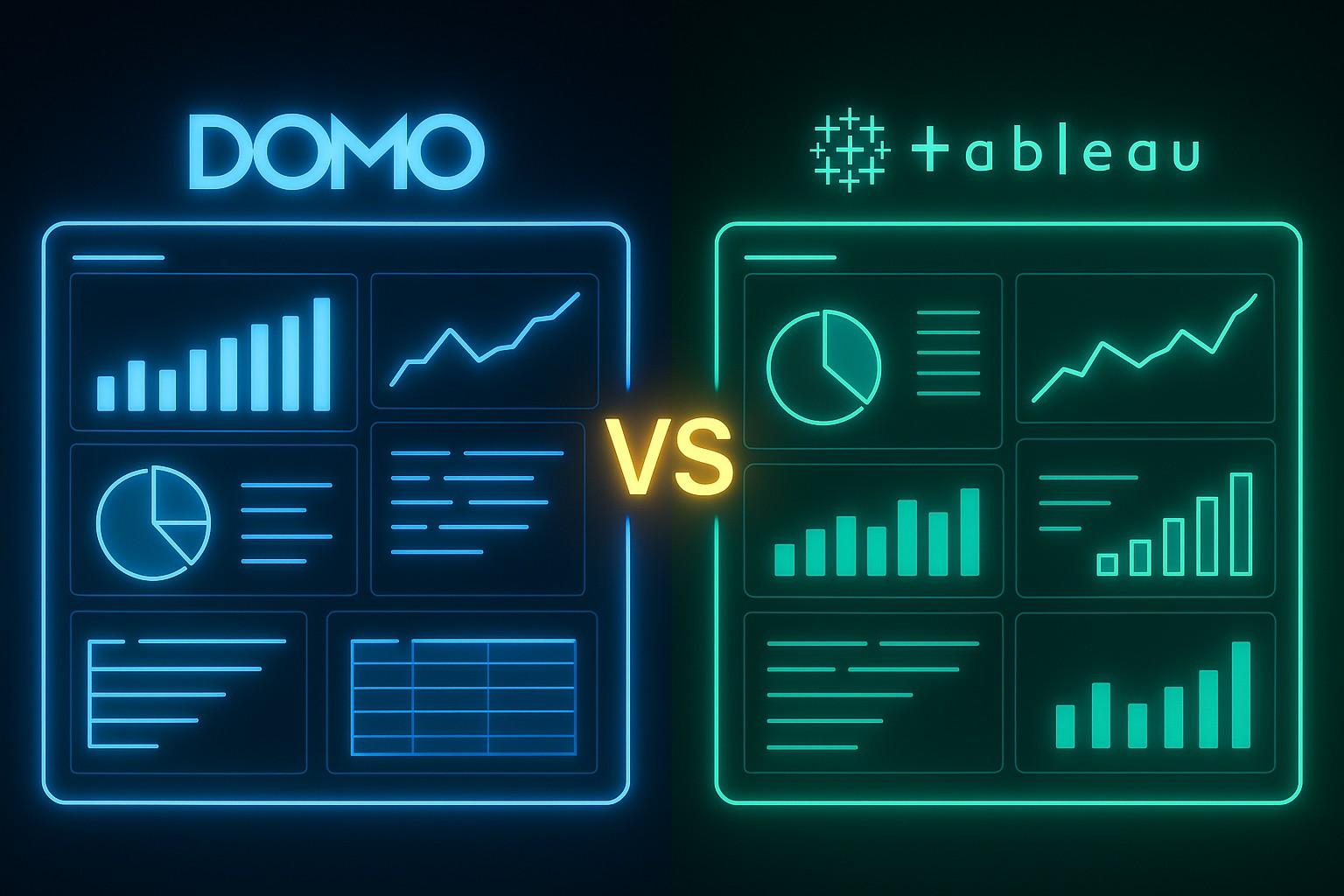
Domo and Tableau are two leading business intelligence platforms that serve different but overlapping needs in modern analytics environments. Domo positions itself as an end-to-end cloud-native analytics platform designed to deliver data, insights, and collaboration in a single ecosystem. Tableau emphasizes deep data visualization, flexible data modeling, and in-depth analytics capabilities, with a focus on empowering analysts and data scientists to explore complex datasets. Both tools are widely adopted in enterprises, but they cater to distinct workflows, governance models, and scaling requirements.
For organizations evaluating these tools, the decision frequently comes down to whether the priority is rapid, organization-wide visibility and collaboration or advanced visualization and self-service analytics with strong data modeling capabilities. Domo excels at delivering dashboards and alerts across business units with built-in data integration, while Tableau shines when the goal is rich, interactive data exploration and storytelling through visuals. This article examines how each platform compares across core dimensions, and provides a framework to help readers decide which tool better fits their analytics strategy.
Core Architecture and Data Model
Both Domo and Tableau rely on a layered approach to data: connectivity, preparation, modeling, and presentation. Domo’s architecture emphasizes a cloud-first, integrated stack that includes built-in ETL (Extract, Transform, Load) capabilities, a data catalog, and a centralized data layer. Data is ingested through a broad set of connectors, transformed within the platform using DataFlows or Magic ETL, and exposed as datasets and cards for dashboards. The architecture is designed to minimize the time from data ingestion to business-facing insights, with governance features embedded in the platform.
Tableau, by contrast, emphasizes a strong separation between data preparation and visualization. Data can be brought in via live connections or extracts, and the data model is defined within Tableau Desktop using relationships, joins, and calculated fields. Tableau’s VizQL rendering engine translates visual requests into interactive graphics, enabling sophisticated visual analytics and complex data relationships. In Tableau, data governance and lineage are typically implemented through data source management on Tableau Server or Tableau Online, with metadata and access controls defined at the source level. The result is a highly flexible data model that can support intricate analysis but may require careful design and governance for enterprise-scale deployments.
Data Connections and Preparation
Both platforms offer extensive data connectivity, supporting cloud data warehouses, on-premises databases, SaaS applications, and flat-file sources. Domo emphasizes turnkey connectors and in-platform data preparation, which can reduce reliance on external ETL tooling and expedite data workflows. Tableau provides broad connectivity as well, but teams often complement it with external ETL or data prep tools when dealing with complex data shaping or large-scale data pipelines. Domo’s approach tends to favor ecosystem-wide data readiness, while Tableau leans on a modular approach where data prep can be distributed among data engineers and analysts.
In practice, Domo’s DataFlows and Beast Mode calculations allow business users to perform transformations within the platform, enabling faster iteration for dashboards and reports. Tableau supports robust data modeling through calculated fields, table calculations, and parameter-driven analytics, with Tableau Prep aiding data cleansing and shaping prior to visualization. The choice between these approaches often reflects organizational preferences for in-platform data preparation versus centralized engineering-led data pipelines and governance.
Visualization and Dashboards
When it comes to visualization capabilities, Tableau has long been recognized for its rich library of chart types, advanced analytics, and highly interactive dashboards. VizQL enables fluid drag-and-drop exploration, and Tableau’s feature set supports complex visual analytics, custom calculations, and storytelling through dashboards that can scale across departments. Domo provides a strong visualization layer as well, with a focus on a card-based design and a wide catalog of pre-built visualizations tailored for business users and executives. Dashboards in Domo are designed for quick visibility and collaboration, with embedded data alerts and automated updates that help keep stakeholders aligned.
Interactivity is a core strength for both platforms. Tableau enables deep drill-downs, filters, and cross-filter interactions that empower analysts to explore data patterns. Domo also emphasizes interactivity, with real-time data updates, alerting, and mobile-first experiences intended to keep business users connected to insights on the go. For organizations that prioritize storytelling and the ability to craft polished, narrative dashboards, Tableau often offers more granular control over visuals; for teams prioritizing enterprise-wide visibility and rapid sharing, Domo’s ecosystem can be advantageous.
Ease of Use and Adoption
End-user adoption hinges on how quickly business teams can create, interpret, and act on insights. Domo is frequently celebrated for its business-user friendly interface and streamlined workflows that enable non-technical users to assemble dashboards with minimal scripting. The platform’s guided experiences, connectors, and built-in data preparation can shorten time to insight and reduce reliance on centralized BI teams. Tableau, while incredibly powerful, can present a steeper learning curve for new users, particularly when dealing with complex data modeling, advanced calculations, or governance at scale. Training and governance become more critical in orders to maintain consistency across an organization using Tableau.
From an admin perspective, Domo’s all-in-one nature simplifies setup and ongoing maintenance for some organizations, while Tableau’s modular ecosystem—comprising Tableau Server/Online, Prep, and data sources—can offer greater flexibility for large organizations with distributed data engineering teams. In both cases, a structured onboarding program, clear data governance policies, and ongoing enablement help maximize user adoption and ensure consistent analytics outcomes.
Analytics Capabilities and Advanced Features
Domo extends beyond visualization with built-in analytics features that blend data preparation, dashboards, and AI-assisted insights into a single platform. Users can leverage automated anomaly detection, forecasting, and alerts, with some capabilities supporting lightweight data science workflows within the platform itself. Domo also emphasizes collaboration features like storytelling, shared notebooks, and alert-enabled dashboards to ensure that insights reach decision-makers efficiently. Tableau offers a mature suite of analytics capabilities, including Explain Data, Ask Data for natural language interaction, and robust support for statistical modeling, R and Python integration, and advanced forecasting. Tableau’s strength lies in its ability to support data scientists and analysts who need rigorous analytics and custom modeling alongside rich visual exploration.
Organizations should consider their analytics maturity and required collaboration capabilities. If the goal is to enable a broad, business-focused user base with rapid, consistent dashboards and alerts, Domo’s integrated analytics features can be compelling. If the priority is advanced analytics, customization, and deep data storytelling with experimentation, Tableau’s arsenal of analytical tools and extensibility options tends to be more suitable for specialized analytics teams.
Governance, Security, and Compliance
Governance and security are critical in enterprise deployments. Domo provides role-based access control, data cataloging, and governance features designed to manage data discovery and usage within a cloud-native environment. Security controls typically include SSO/SAML, encryption at rest and in transit, and audit trails for data and dashboard activity. Tableau emphasizes governance through centralized servers, data source management, and permissions at the project and data source level. In Tableau environments, data lineage, data source certification, and row-level security are common governance patterns, particularly in regulated industries. Both platforms support enterprise-grade security, but the approach to governance—consolidated in Domo versus modular in Tableau—has implications for scale, auditability, and compliance programs.
Ultimately, selecting between them may depend on how an organization structures its data teams, defines ownership of data assets, and implements policy-based access. A well-defined governance strategy that aligns data producers, data stewards, and business users is essential to maximize the value of either platform while maintaining compliance with internal and external requirements.
Deployment Options and Scalability
Domo is primarily a cloud-first SaaS platform designed to scale across large user bases and multiple geographies with minimal on-premises footprint. Its multi-tenant cloud architecture simplifies provisioning, upgrades, and global accessibility, which can be advantageous for distributed organizations and lines of business that require fast deployment. Tableau offers both cloud and on-premises deployment options (Tableau Online, Tableau Server, Tableau Cloud, depending on the version and deployment model), enabling organizations to tailor governance, data residency, and infrastructure to their needs. For large enterprises with strict data governance or regulatory constraints, the flexibility of a hybrid or on-prem path can be important, while cloud-centric models prioritize scalability and faster feature delivery.
In terms of scalability, both platforms can support substantial workloads, but the optimization approach differs. Domo’s cloud-native architecture tends to emphasize seamless expansion of data sources, users, and automated workflows without heavy on-prem infrastructure management. Tableau scales through cloneable server environments, data extract management, and performance optimization techniques that data teams implement at the data/model layer. When evaluating scalability, organizations should assess data volume, refresh cadence, user concurrency, and governance requirements, and map these to the platform’s native scaling capabilities and cost implications.
Use Cases and Ideal Scenarios
Deciding between Domo and Tableau often comes down to how a company wants to operationalize analytics across the business. Domo tends to resonate with organizations seeking a highly integrated, cloud-native platform that brings data, dashboards, alerts, and collaboration into a single experience. It is well-suited for multi-department visibility, executive dashboards, and rapid deployment in environments that require broad user participation with lower maintenance overhead. Tableau is a natural fit for analytics teams and data-driven organizations that need deep data exploration, sophisticated visual analytics, and granular control over data modeling and governance at scale. For teams that require custom analytics workflows, academic-style experimentation, or advanced statistical modeling, Tableau often provides more flexibility and extensibility.
Use cases where a hybrid approach may emerge include scenarios where business users want fast, shareable dashboards and alerts across departments (Domo) alongside dedicated data science work in specialized teams (Tableau or associated tools). Organizations should consider a balanced criterion set: data source connectivity, governance requirements, user base, speed to insight, and total cost of ownership when mapping use cases to the platform. The right choice will align the tool’s strengths with the organization’s analytics maturity, cultural readiness, and business objectives.
Pricing, Licensing, and Total Cost of Ownership
Pricing and licensing models for Domo and Tableau reflect their architectural philosophies. Domo typically follows a per-user, per-month model with additional considerations for data capacity, connectors, and platform add-ons. Pricing can be influenced by the level of collaboration features, data refresh frequency, and whether the deployment includes Domo Everywhere or extended sharing capabilities. Tableau’s pricing historically includes per-user licenses for Creators, Explorers, and Viewers, with different pricing tiers for Tableau Server (on-prem) versus Tableau Online (cloud). In practice, Tableau pricing is often tiered by role and deployment choice, with additional costs for data prep (Tableau Prep) and data management features on the governance side. Organizations should budget for ongoing maintenance, data-warehousing costs, and potential expansion of data sources as a project scales.
- Per-user licensing vs. capacity-based models
- Costs for data connectors and data refreshes
- Licensing for data governance and security features
- Hosting and infrastructure expenses for on-prem or cloud hosting
Both platforms require careful consideration of total cost of ownership beyond sticker price. This includes administrative labor, training, data source licensing, storage, and the potential need for complementary tools (ETL, data cataloging, or data science environments). A rigorous TCO analysis should compare not only annual subscription costs but also the incremental costs associated with scale, governance, and user adoption over time.
Why Choose Domo vs Tableau: Decision Framework
When evaluating Domo versus Tableau, organizations should anchor their decision in a structured framework. Start with governance and scale requirements: if you need a unified, cloud-native analytics suite with built-in data integration and organization-wide collaboration, Domo may provide a faster path to value. If the priority is deep analytics capability, sophisticated visual exploration, and flexibility in data modeling for diverse data sources, Tableau’s strengths are compelling. Next, assess user demographics and adoption goals: for broad business-user enablement with simplified workflows, Domo can reduce friction; for analytics teams that require advanced calculations and bespoke visualizations, Tableau offers richer capabilities. Finally, factor in the ongoing maintenance model, data residency constraints, and total cost of ownership to determine which platform aligns best with your enterprise strategy and operating model.
Final Thoughts and Recommendations
Both Domo and Tableau are formidable BI platforms with distinct advantages. The choice should reflect not only the technical fit but also the organizational culture, data governance maturity, and long-term analytics objectives. A practical approach for many enterprises is to pilot the platform that best aligns with the majority of use cases, while ensuring a governance framework that can scale as adoption broadens. In practice, a hybrid approach can sometimes emerge, where Domo handles executive dashboards and cross-functional visibility, while Tableau supports the analytics backbone for data science and advanced analytics work. With clear governance, training, and a phased rollout, either tool can unlock significant business value.
FAQ
Introduction: Below are concise answers to common questions that frequently arise when choosing between Domo and Tableau, focusing on practical considerations for enterprise deployments.
Which tool is better for organization-wide dashboards and collaboration?
Domo generally excels in organization-wide dashboards and collaboration due to its integrated, cloud-native design, built-in data preparation, and broad sharing capabilities. It tends to enable faster deployment across multiple departments with centralized governance and automated alerts that keep stakeholders aligned.
Which tool is better for advanced analytics and data modeling?
Tableau is typically favored for advanced analytics and flexible data modeling. Its strong visualization capabilities, support for complex calculations, and extensibility with Python and R integrations make it a preferred choice for analytics teams that require deep data exploration and rigorous modeling.
How do licensing and total cost of ownership compare?
Licensing models differ: Domo tends to use a per-user, per-month approach with data- and feature-based add-ons, while Tableau uses tiered per-user licensing (Creator/Explorer/Viewer) with additional costs for data prep and governance. Total cost of ownership should include data storage, connectors, governance tooling, training, and administration costs over time.
What governance considerations should I prioritize for enterprise deployments?
Prioritize data source management, access control, data lineage, and policy-based sharing. Tableau provides governance via server-based controls and data source management, while Domo emphasizes a unified governance approach within its cloud platform. Align your choice with your data stewardship model and regulatory requirements.
Is a hybrid approach between Domo and Tableau common or recommended?
Yes, some organizations adopt a hybrid approach to leverage the strengths of each platform. For example, Domo can handle broad executive dashboards and operational visibility, while Tableau serves the analytics workload for data science and complex analyses. The key is to establish clear ownership, governance, and cost-aware planning to avoid duplication and fragmentation.