Now Reading: Flutter vs Jetpack Compose: Modern UI Toolkit Comparison
-
01
Flutter vs Jetpack Compose: Modern UI Toolkit Comparison

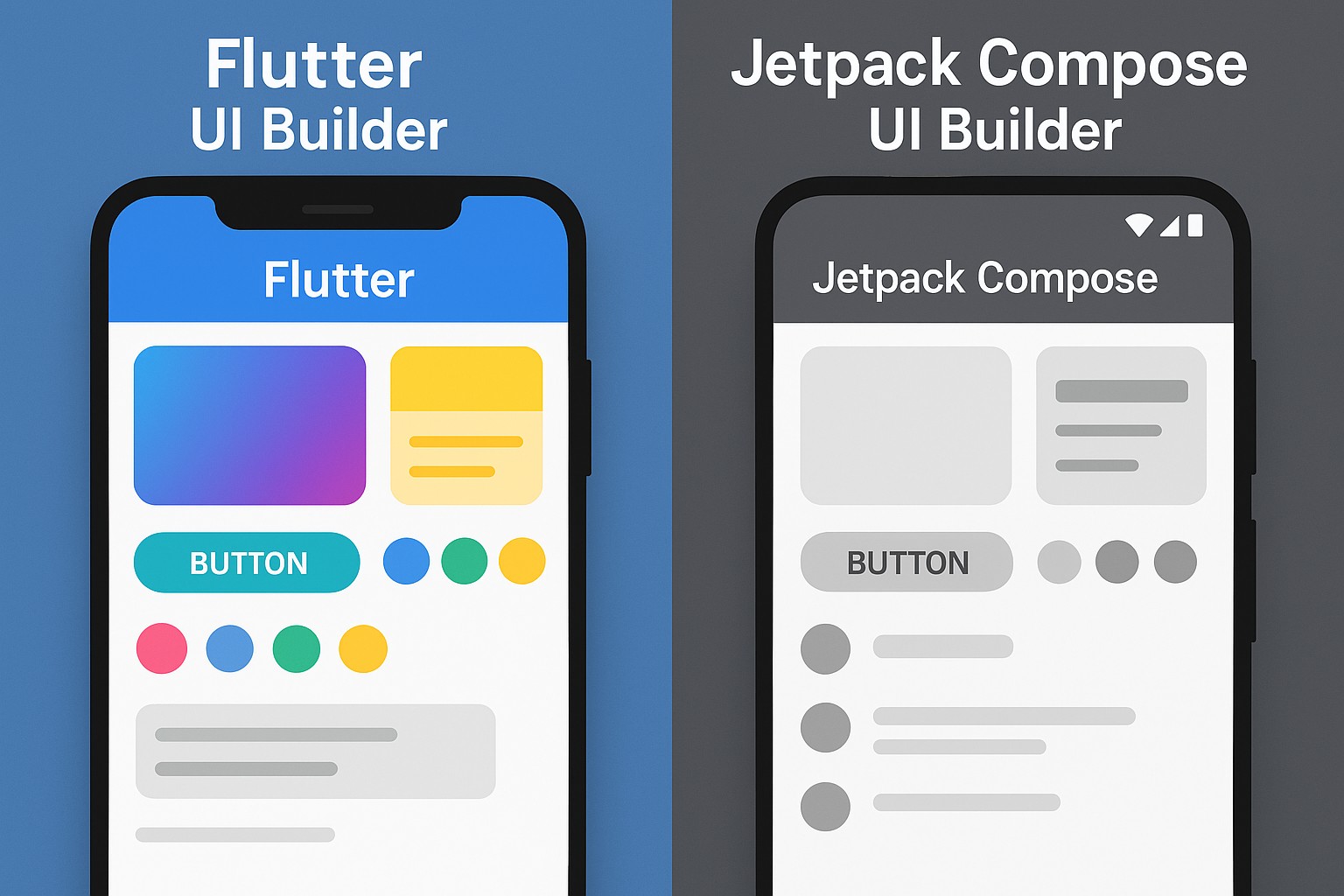
Flutter vs Jetpack Compose: Strategic overview
Flutter and Jetpack Compose represent two mature approaches to building modern user interfaces, but they operate in different spheres. Flutter is designed as a cross-platform UI toolkit that compiles to native code and renders via Skia, enabling a single codebase to target mobile, web, and desktop. Jetpack Compose, by contrast, is a native Android UI toolkit built with Kotlin, focusing on a streamlined, declarative API that integrates tightly with the Android platform and its lifecycle. The choice between them often hinges on target platforms, team capabilities, and long‑term maintenance requirements. In business terms, Flutter offers potential for wider reach with a single codebase, while Jetpack Compose emphasizes deep native integration and alignment with Android development practices.
From a performance and maintenance perspective, both toolkits pursue a declarative model intended to simplify UI state management and reduce boilerplate. Flutter’s approach bundles the framework with its own rendering layer, which can yield highly consistent visuals across platforms but adds a platform-agnostic stack. Compose relies on the native Android rendering pipeline and Kotlin language features, which can benefit developers already embedded in the Android ecosystem. Real‑world outcomes depend on the specifics of the app, including animation complexity, platform-specific expectations, and the maturity of the underlying toolchains.
Architectural approach and language
Both Flutter and Jetpack Compose embrace a declarative UI paradigm, but they implement it through different constructs. Flutter uses a hierarchy of widgets that rebuilds in response to state changes, while Jetpack Compose relies on composable functions that describe UI fragments and recompose when inputs change. The language choices—Dart for Flutter and Kotlin for Compose—shape how APIs are expressed, how type safety is enforced, and how developers reason about side effects. For teams, this translates into distinct learning curves and ecosystem ergonomics, which can affect velocity at scale.
- Cross‑platform reach vs native Android focus
- Declarative UI with widgets vs composables
- Language and tooling implications: Dart vs Kotlin, typing, null‑safety
- State management patterns and hot reload behavior
- Platform interoperability mechanisms: Flutter’s platform channels vs Compose’s direct Kotlin/Android APIs
Rendering model, performance, and animation
Rendering in Flutter is decoupled from the platform’s native UI by design. It uses its own rendering engine (Skia) to draw every frame, which yields highly consistent visuals across platforms but adds a platform‑agnostic rendering layer. Jetpack Compose renders directly to the Android view system (or to its own Compose runtime in supported configurations), blending with native components and lifecycle hints. In practice, Flutter can deliver smooth animations with predictable frame timing across devices, while Compose benefits from very tight integration with Android’s native animation and accessibility services. Understanding these trade‑offs helps engineering teams estimate frame budgets, battery impact, and memory usage for real‑world scenarios.
For developers considering concrete examples, the approaches also influence debugging and iteration speed. A simple UI update in Flutter typically involves rebuilding a portion of the widget tree, with hot reload allowing rapid visual feedback. In Compose, recomposition targets are defined by state changes within composables, which can reduce the amount of redrawn UI and align with Kotlin’s language features. Inline examples: in Flutter you might surface a Text widget via Text(‘Hello’), while in Compose you would express a composable like @Composable fun Greeting(name: String) { Text(text = “Hello $name”) } to achieve a similar result.
Development experience, tooling, and lifecycle
From a developer experience perspective, both toolchains emphasize fast feedback loops and robust tooling, but their ecosystems diverge in emphasis. Flutter provides a unified set of widgets, a consistent hot‑reload workflow, and a package ecosystem that aims to cover many cross‑platform needs with a single dependency model. Jetpack Compose, paired with Android Studio and the Kotlin ecosystem, tends to deliver a more native feel for Android projects, with deep access to platform services and a mature debugging and profiling toolchain. The choice can influence onboarding time, release cadence, and how teams handle platform‑specific quirks or accessibility concerns.
- Hot reload vs live edit: speed of iteration and state retention
- IDE integration, debugging, and performance profiling
- Build tooling and package management: Dart pub vs Gradle and Kotlin tooling
- Testing strategies across platforms and UI guidelines
- Release workflows and CI/CD considerations for multi‑platform targets
Ecosystem, portability, and interoperability
Flutter has cultivated a broad ecosystem aimed at cross‑platform product strategies, including web and desktop targets, which can shorten time to market for user experiences that need to run beyond mobile. Jetpack Compose, particularly in its native Android domain, benefits from tight integration with Android libraries, a vast Java/Kotlin ecosystem, and a strong alignment with Android development practices. When evaluating portability, teams should weigh the maturity of cross‑platform considerations (macOS, Linux, Windows, Web) against the depth of Android platform integration. Interoperability mechanisms differ as well: Flutter relies on platform channels to access native features, while Compose leverages direct Kotlin/Java APIs and, in the case of multiplatform strategies, Kotlin Multiplatform technology to share business logic while maintaining platform‑specific UIs.
- Community size, packages, and long‑term support trajectory
- Platform coverage: mobile, web, desktop, embedded
- Native interop options and performance implications
- Stability of the rendering stack and accessibility support
Migration considerations and decision framework
Choosing between Flutter and Jetpack Compose should be guided by business goals, team composition, and platform strategy. For organizations prioritizing a single codebase with broad cross‑platform reach, Flutter offers compelling value, especially when web and desktop targets are in scope. For teams deeply invested in Android with a need for native performance, access to Android‑specific features, and a Kotlin‑centric codebase, Jetpack Compose is often the more natural path. A practical framework starts with mapping target platforms, evaluating existing skill sets, and probing how each option aligns with requirements around accessibility, testing, and release velocity. It can also help to prototype a small feature set in both toolkits to compare performance, developer experience, and maintenance concerns over a realistic time window.
Beyond technical fit, consider long‑term maintenance, talent availability, and vendor roadmaps. Platform updates can shift performance characteristics and API availability, so it is prudent to monitor the trajectory of each ecosystem and plan for incremental migrations or multi‑platform strategies that preserve flexibility. In many scenarios, the optimal choice is to adopt a pragmatic mix: use Compose for Android‑native components where deep platform integration is crucial, while leveraging Flutter for non‑Android experiences or where cross‑platform parity provides tangible business benefits.
FAQ
Which framework is faster for UI rendering in typical business apps?
Performance depends on the use case, but Flutter’s Skia‑driven rendering often yields consistent frame times across devices and platforms, which can deliver uniform visuals for highly custom UI. Jetpack Compose benefits from tight Android integration and efficient recomposition on the native UI thread, which can translate to lower overhead for standard Android patterns. For apps with complex native integrations or heavy platform reliance, Compose may edge out in perceived responsiveness, while cross‑platform visuals and rapid iteration cycles can favor Flutter in multi‑platform product scenarios.
How do state management approaches differ between the two, and what does that mean for maintainability?
Both toolkits advocate a declarative approach, but their state management paradigms reflect their ecosystems. Flutter often relies on external packages and patterns (such as Provider, Riverpod, Bloc) to orchestrate state across the widget tree, which can allow flexible architectures but introduces dependency choices. Compose emphasizes Kotlin’s language features and typical Android state patterns, integrating smoothly with existing Android architecture components. For maintainability, teams already invested in Kotlin and Android architecture components may find Compose easier to maintain, while teams seeking a unified state strategy across platforms may prefer Flutter’s broader ecosystem and paradigms.
What are the key considerations for teams with Android focus deciding between the two?
For Android‑centric teams, Jetpack Compose offers native performance, seamless access to Android APIs, and a Kotlin‑based development experience that aligns with existing skill sets. Flutter can still be a strong option if there is a strategic need for cross‑platform distribution or if the product roadmap includes web or desktop targets. The decision often comes down to platform strategy, talent availability, and how much cross‑platform uniformity delivers business value versus the benefits of native Android polish and tooling.
How should teams approach ecosystem and future‑proofing when choosing?
Evaluate the maturity and roadmap of each ecosystem, including library availability, tooling, and community momentum. Flutter’s cross‑platform ambition has driven rapid growth in widgets and packages designed for multi‑platform experiences, while Compose benefits from years of Android platform evolution and a stable Kotlin foundation. Future‑proofing can involve a staged approach: pilot both toolchains with small features, monitor performance and maintenance costs, and design architecture that can gracefully adapt to changes in platform strategies or business priorities.