Now Reading: HTML5 vs Flash: Why Modern Web Ditched Flash
-
01
HTML5 vs Flash: Why Modern Web Ditched Flash

Historical context: Flash’s rise and decline
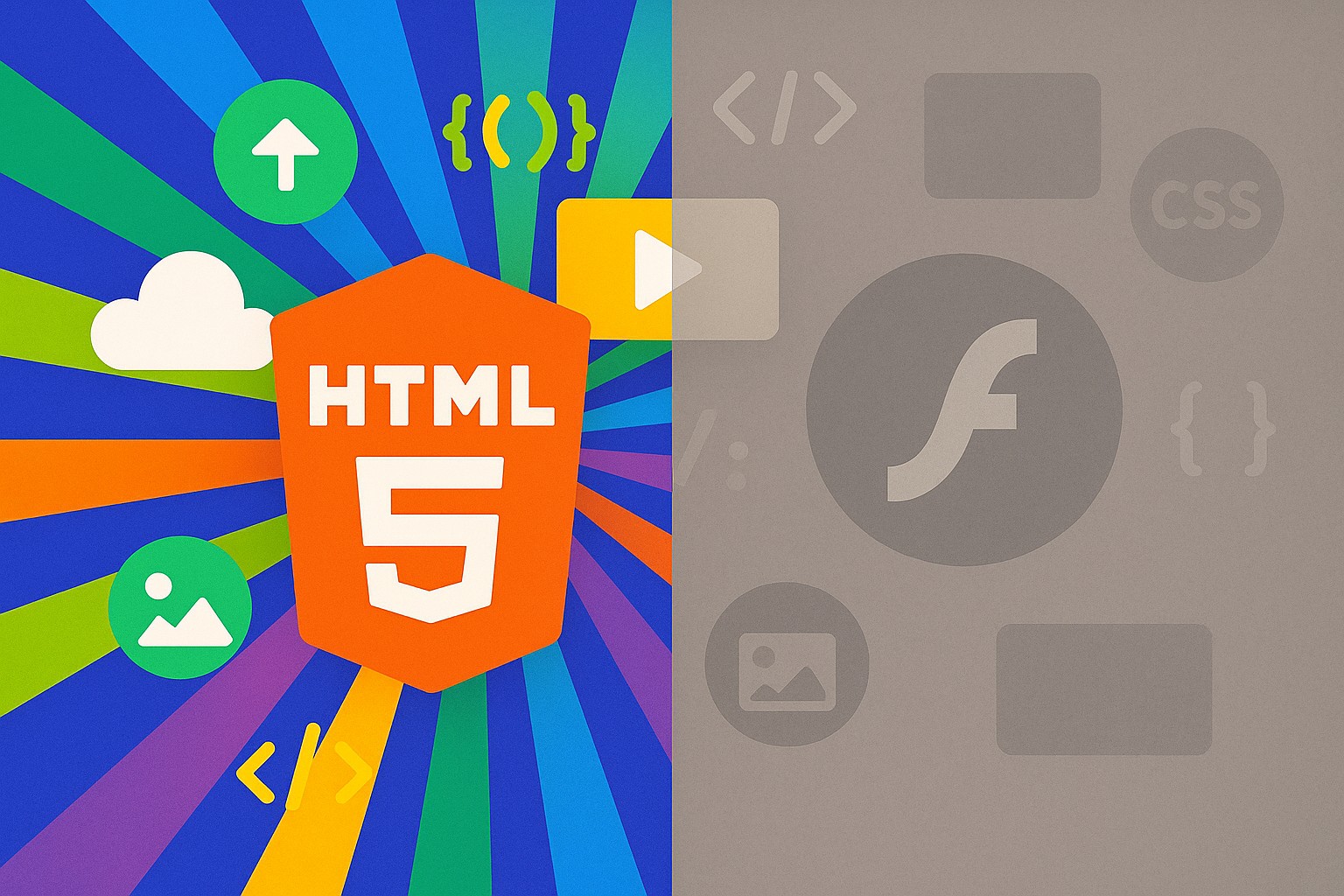
Flash emerged in the late 1990s as a transformative plugin capable of delivering rich media, animation, and interactive experiences across a broad set of devices. It offered a single runtime that worked on Windows and macOS, with increasing reach into enterprise dashboards, marketing experiences, and multimedia applications. For years, developers could ship interactive features with predictable behavior, and products benefited from a consistent visual language and a built-in ecosystem of tools, assets, and developers. The economics of Flash—bundled plugins, standardized timelines, and widespread distribution—made it a default choice for many organizations seeking to differentiate their web presence.
But the technology landscape shifted rapidly as browsers hardened against plugins, devices evolved, and standards-based web technologies matured. By the mid-2010s, Flash began to show its age: security vulnerabilities required frequent patching, performance on mobile devices was inconsistent, and the lack of native support on iOS created a rift between desktop and mobile experiences. Enterprise teams faced escalating maintenance costs while stakeholders demanded faster, more accessible experiences. The combination of security risk, poor mobile performance, and a move toward open standards pushed the market toward HTML5, JavaScript, and other browser-native technologies. In response, Adobe announced Flash’s end-of-life and urged developers to migrate toward modern web technologies, setting the stage for a multi-year transition that would redefine how interactive content is built and delivered on the web.
- Security vulnerabilities and patch cadence created risk for enterprise apps
- Mobile and cross-device support lagged due to plugin restrictions
- Proprietary runtime with licensing and update requirements
- Performance overhead and battery life concerns on mobile devices
- Fragmented support across browsers and platforms
What HTML5 introduced that changed the game
HTML5 arrived with a set of browser-native capabilities that addressed many of the limitations Flash carried. The native video and audio elements eliminated the need for external players, while the canvas API opened a programmable surface for graphics and interactive visuals without third-party runtimes. Web Storage, IndexedDB, and service workers enabled robust offline experiences and progressive web apps, and CSS3 along with Web Animations provided performant, standards-based means to deliver motion and transitions. Together, these features created a more flexible, accessible, and resilient foundation for interactive content across desktop and mobile devices.
For business teams, the shift to HTML5 reduced licensing dependence, streamlined maintenance, and accelerated go-to-market timelines. Content could be authored, updated, and deployed without distributing a proprietary player, improving consistency across devices and reducing the risk of vendor lock-in. The open web model also enhanced accessibility, search visibility, and performance, which in turn supported better user engagement and analytics. As organizations began to transform marketing experiences, dashboards, and training modules into standards-based interfaces, HTML5 became the pragmatic baseline for future-proof web development.
- Canvas for interactive graphics and games
- Native video and audio elements
- WebGL and CSS3 for hardware-accelerated visuals
- Web Storage and IndexedDB for offline use
- Web Workers for responsive, multi-threaded UI
- Semantics and accessibility improvements via HTML5 elements
Technical comparisons: performance, security, and compatibility
Understanding how Flash and HTML5 differ along core dimensions provides a practical lens for prioritizing migration work. HTML5 delivers content through native browser engines, reducing plugin overhead and enabling more predictable performance across devices. Security models in HTML5 rely on browser sandboxing and standardization, which generally reduces the exposure surface compared with a single proprietary plugin that required its own patching cadence. In terms of accessibility and search optimization, HTML5 content lives in the DOM and can be exposed to assistive technologies and search crawlers more effectively than many Flash-based experiences, which often relied on embedded content that was opaque to such tooling.
When it comes to mobility and offline use, HTML5 shines through standard-based media delivery, responsive layouts, and offline storage options. This combination supports a broader set of devices with consistent behavior, while Flash experiences frequently faced patchwork solutions and performance penalties on smartphones and tablets. The migration path also aligns with modern development practices—modular JavaScript, responsive design, and progressive enhancement—allowing teams to incrementally replace Flash assets with accessible, standards-compliant components that degrade gracefully for users with older browsers or limited connectivity.
| Aspect | Flash | HTML5 |
|---|---|---|
| Performance and resource use | Plugin-based rendering; startup and runtime overhead, can be CPU-intensive for complex content | Native browser rendering; typically more efficient with hardware acceleration and better multitasking support |
| Security and risk | Frequent vulnerabilities with patch cadence dependent on plugin updates | Browser sandboxing; security patches delivered with browser updates; reduced attack surface over time |
| Accessibility and SEO | Content often isolated from assistive technologies and search indexing | Content exposed in the DOM; improved accessibility and indexing through semantic HTML |
| Mobile compatibility and offline | Poor mobile support; plugin requirements hindered experiences on smartphones | Mobile-friendly with offline storage, service workers, and responsive design |
Migration and best practices
Migration from Flash to HTML5 is typically approached as a product and engineering initiative rather than a single project. A disciplined approach starts with a thorough audit of all Flash-based content, classifying assets by business impact, frequency of access, and user base. This helps prioritize which experiences to replace first and informs the selection of HTML5-based alternatives, such as video-based for media, canvas-based visuals for complex interactions, or plain HTML/CSS with JavaScript for menus and forms. The goal is to maximize user value while minimizing risk and redevelopment cost.
Organizations should embed governance, testing, and accessibility into the migration plan. Establish a phased roadmap with milestones, budgets, and owner accountability. Invest in modern tooling and frameworks that support responsive design, accessibility standards, and performance budgets. Create fallback experiences for older browsers and devices, and use progressive enhancement so critical content remains accessible even if more advanced features are unavailable. Ongoing performance monitoring and user feedback loops are essential to validate that the migration delivers measurable improvements in engagement, speed, and reliability.
- Inventory and classify Flash content by criticality and reach
- Define replacement strategies for assets (HTML5 video, canvas-based UI, WebGL visuals, etc.)
- Develop a phased migration roadmap with milestones, budgets, and owners
- Implement accessibility, progressive enhancement, and robust fallbacks
- Monitor performance and user feedback after deployment
Developer and business considerations
From a development perspective, migrating away from Flash requires investing in modern JavaScript, HTML5 APIs, and relevant frameworks. Teams should plan for upskilling, cross-functional collaboration between design, product, and engineering, and a shift toward component-based architectures that emphasize reusability and maintainability. On the business side, migration offers opportunities to reduce licensing costs, simplify content governance, and improve time-to-market for new features. It also introduces change-management considerations, including stakeholder alignment, budget planning, and clear success metrics that tie to user outcomes such as engagement, retention, and conversion.
Companies that execute migration with a clear governance model typically report lower total cost of ownership, improved accessibility and SEO, and better resilience to evolving browser standards. The transition also creates space to adopt progressive web app patterns, enhance analytics, and align content strategies with modern marketing and product roadmaps. While the path requires careful planning and coordination, the long-run benefits—simplified maintenance, stronger cross-device experiences, and a future-ready web—are well aligned with business goals and customer expectations.
FAQ
Was Flash truly dead?
Yes. Adobe announced Flash End of Life in 2017, and major browsers ended support by default around 2020. As a result, Flash-based experiences are no longer viable in production, and most sites migrated to HTML5, WebGL, and other open web standards to ensure long-term compatibility, performance, and security.
What are the recommended next steps for a typical corporate site?
Begin with an asset inventory and traffic analysis to identify high-impact Flash experiences. Develop replacement strategies for each asset (HTML5 video, canvas-based visuals, or interactive UI with JavaScript), then create a phased migration plan with clear milestones, budgets, and owners. Include accessibility considerations and implement progressive enhancement to ensure a graceful fallback for older environments.
How should content migration be prioritized?
Prioritization should factor user impact, revenue relevance, and traffic volume. Start with high-visibility or mission-critical features that drive engagement, then progressively replace less critical experiences. A pilot program can validate approaches, followed by broader rollout with continuous measurement and iteration.
Will HTML5 backward compatibility be an issue?
Most modern browsers support HTML5 features well, and progressive enhancement helps accommodate older environments. For legacy browsers, provide fallbacks or polyfills and ensure essential content remains accessible. Regular testing across devices and browsers is important to catch edge cases early.
How can analytics be preserved after migration?
Map existing tracking to the new structure, preserve key event definitions, and refactor page and interaction tracking to align with HTML5-based content. Maintain URL consistency where possible, implement 301 redirects for renamed pages, and validate analytics data during and after the transition to ensure continuity in reporting.