Now Reading: Kotlin vs Swift: Mobile Development Languages
-
01
Kotlin vs Swift: Mobile Development Languages

Executive Overview
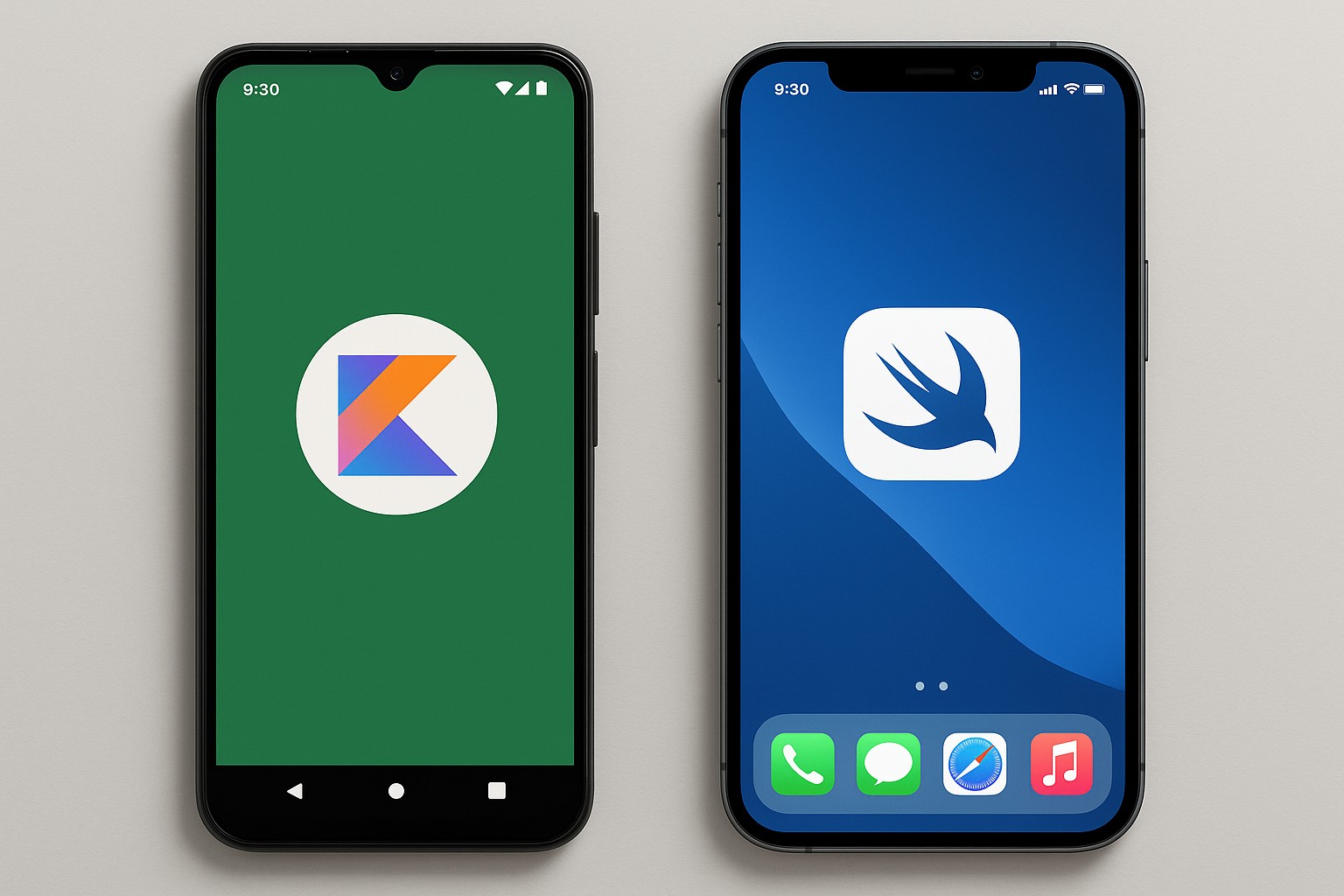
Kotlin and Swift are the primary languages for native mobile app development on Android and iOS, respectively. Kotlin combines modern syntax, strong null-safety, and pragmatic interoperability with Java, while Swift offers a compact, expressive syntax, rigorous safety features, and tight integration with Apple platform APIs. Kotlin’s multi‑platform ambitions enable sharing business logic with other environments, whereas Swift remains tightly optimized for Apple devices and the Apple ecosystem. This combination of language design and platform alignment shapes decisions about team structure, architecture, and long‑term maintainability.
For product teams, the choice between these languages is often driven by platform focus, existing codebases, talent availability, and the desired pace of innovation. This comparison examines language features, platform capabilities, and developer experience to help teams decide whether to standardize on one language and ecosystem or pursue a mixed strategy that leverages shared logic where it makes sense, while preserving native UX and performance.
Language Features and Paradigms
Kotlin emphasizes pragmatic modern features that reduce boilerplate and improve safety, including strong null-safety, expressive type inference, extension functions, coroutines for asynchronous programming, and a rich standard library designed to interoperate smoothly with Java. Swift emphasizes safety and expressiveness, with value semantics, protocol-oriented programming, powerful generics, and a syntax designed to be approachable for developers coming from a variety of backgrounds. Both languages favor immutability and clear APIs, but they approach concurrency and memory management with different philosophies that influence how developers structure code and reason about performance.
Below is a concise representation of some key differences in language design and concurrency approaches to help teams weigh the trade-offs. The samples illustrate common patterns you’ll encounter when implementing data loading and UI updates in each language.
// Kotlin: a simple suspending function using coroutines
data class User(val id: String, val name: String)

suspend fun fetchUserData(userId: String): User {
    // Imagine a network call here
    return User(userId, "Jane Doe")
}
// Swift: a simple async function using structured concurrency
struct User {
    let id: String
    let name: String
}

func fetchUserData(userId: String) async throws -> User {
    // Simulated latency
    try await Task.sleep(nanoseconds: 100_000_000)
    return User(id: userId, name: "Jane Doe")
}
Platform Capabilities and Ecosystem
Android and iOS ecosystems offer distinct capabilities, lifecycles, and UI paradigms. Kotlin on Android benefits from a long-running ecosystem of libraries, tooling, and the Jetpack suite, with a path toward modern UI via Jetpack Compose. Swift on iOS provides deep integration with UIKit and SwiftUI, access to a broad set of platform APIs, and optimized runtime performance on Apple hardware. Across both platforms, the managed and native runtime environments shape how memory is managed, how exceptions are handled, and how performance is measured and tuned.
In terms of distribution and market strategy, Android apps typically reach a broad audience through Google Play, while iOS apps rely on the Apple App Store. This dynamic influences release cadence, testing practices, and regulatory considerations. Both ecosystems encourage robust testing, strong accessibility, and thoughtful UI/UX design, but the tooling and platform conventions differ, which can affect onboarding time and time-to-delivery for new features.
| Aspect | Kotlin (Android) | Swift (iOS) |
|---|---|---|
| Primary use | Android native apps and JVM-based backends; increasingly used for multiplatform modules | iOS, macOS native apps, and Apple‑ecosystem tooling |
| UI frameworks | Jetpack Compose and traditional Android Views | SwiftUI and UIKit |
| Concurrency model | Coroutines with structured concurrency | Async/await with structured concurrency |
| Memory management | JVM-based GC on Android; Kotlin/Native on other targets uses different strategies | Automatic Reference Counting (ARC) |
| Cross-platform support | Kotlin Multiplatform for shared business logic | Limited official cross-platform paths; primarily native to Apple platforms |
- UI and UX capabilities are platform-native; plan for platform-specific design patterns rather than forcing a single UI approach across both platforms.
- When sharing code, focus on non-UI logic (domain models, networking, data transformation) to maximize value from Kotlin Multiplatform without compromising native UX.
- Talent pools and hiring strategies vary by platform; consider team structure, training plans, and knowledge transfer to maintain velocity.
Tooling, IDEs, and Build Experience
The tooling landscape for Kotlin and Swift reflects their respective ecosystems. Android development relies heavily on Android Studio (based on IntelliJ IDEA) and Gradle for project configuration, dependency management, and builds, with excellent support for debugging, profiling, and static analysis. iOS development centers on Xcode, with its integrated build system and powerful profiling tools, seamless simulator support, and strong integration with Apple’s CI/CD practices. Both ecosystems emphasize modern tooling, but the workflows, project layouts, and distribution pipelines differ significantly, which can influence team onboarding and release velocity.
For teams pursuing a multi‑platform or cross‑platform approach, several patterns emerge: maintain platform-specific UI code while sharing business logic in a Kotlin Multiplatform layer, adopt a common architecture (for example, MVVM or VIPER) to reduce duplication, and use platform-appropriate testing strategies to preserve confidence in native experiences. A typical setup emphasizes clear boundaries between shared and platform-specific code, robust dependency management, and consistent code review practices to keep the technology stack aligned with business goals.
- Set up your IDE and project templates: choose Android Studio for Kotlin/Android workstreams or Xcode for Swift/iOS; configure linting, formatting, and code style guides to align teams.
- Define module boundaries and dependencies: separate shared logic (data models, networking, domain services) from UI and platform-specific adapters; introduce a Kotlin Multiplatform layer where it brings the most value without forcing cross-platform UI decisions.
- Establish CI/CD and release pipelines: automate builds, tests, and deployments for each platform; ensure platform-specific metrics, crash reporting, and analytics are instrumented consistently.
Migration, Adoption, and Developer Experience
Organizations often approach migration with a mix of strategic planning and pragmatic execution. Start by assessing the existing codebase, identifying modules that can benefit most from shared logic, and defining a target architecture that preserves a high-quality user experience on each platform. Incremental adoption—such as introducing Kotlin Multiplatform for core domains while keeping UI code native—helps distribute risk and build cross‑team competency over time. Establish governance around code sharing, testing, and performance budgets to avoid drift between platforms.
Teams should align incentives, training, and hiring around the chosen approach. Investing in developer mobility—encouraging developers to build competencies in both ecosystems, or at least in the shared logic layer—reduces bottlenecks as product scope evolves. Clear documentation, strong code reviews, and a shared vocabulary around architecture and patterns accelerate alignment across Android and iOS squads.
- Start with a pilot project that demonstrates the value of shared logic, such as a common data model and network layer, before expanding to more complex features.
- Define a mutual architectural blueprint (for example, a shared repository for domain models and service interfaces) with well-specified boundaries for UI code.
- Invest in training and knowledge transfer to reduce ramp time when team members shift between Android and iOS responsibilities.
Which language is best for a new project?
For a greenfield project intended for a single platform, choosing the native language (Kotlin for Android, Swift for iOS) typically yields the quickest path to a polished, high‑performance UX, with the strongest ecosystem support and the most straightforward access to platform APIs and design patterns. If there is a strategic goal to share business logic across platforms, Kotlin Multiplatform can provide value for non‑UI code, but teams should expect some trade-offs in terms of UI parity and debugging complexity.
How do Kotlin coroutines compare to Swift concurrency?
Kotlin coroutines emphasize lightweight, structured asynchronous programming with clear cancellation behavior and a powerful ecosystem of flow operators for reactive patterns. Swift concurrency centers on structured concurrency with async/await, actors for data isolation, and a strong emphasis on thread-safety in the context of Swift’s value types and reference types. Both approaches promote safer asynchronous code, but the mental model and tooling around cancellation, threading, and error handling differ. Teams often adopt language- and platform-specific patterns that optimize for readability and maintainability within each ecosystem.
What should teams consider for cross-platform development?
Cross-platform strategies are most compelling when there is meaningful business logic that can be shared across platforms and when UI parity can be achieved through platform-native UI code or well-designed abstraction layers. Kotlin Multiplatform shines for sharing networking, serialization, and data modeling code, reducing duplication and speeding up iterations. However, for apps that demand highly specialized platform UX or heavy use of platform-specific APIs, a hybrid approach—shared logic with native UI—tends to deliver the best balance of developer velocity and user experience.
How does memory management differ between Kotlin and Swift?
Swift uses Automatic Reference Counting (ARC) to manage memory for most objects, with developers facilitating memory safety through careful ownership and reference semantics. Kotlin on Android relies on the Java Virtual Machine’s garbage collector for Android, while Kotlin/Native uses a different memory management strategy (including reference counting in some targets) when running outside the JVM. These differences influence performance tuning, especially around object lifecycles and peak memory usage, and they guide decisions about how much object creation to minimize, how to structure data caching, and how to profile applications.
What is the hiring outlook for Kotlin and Swift developers?
The hiring market generally reflects platform prevalence and geographic demand. Kotlin developers are widely sought after for Android and backend roles, supported by a large Java ecosystem and growing interest in Kotlin Multiplatform. Swift developers remain highly in demand for iOS and Apple platform roles, with a robust pipeline of candidates who bring deep knowledge of Swift language idioms and Apple design guidelines. Teams that recruit for cross‑platform outcomes often look for developers with experience in both ecosystems or with strong capacity to learn and adapt to platform-specific patterns while maintaining shared architectural principles.