Now Reading: QuickSight vs Tableau: BI Tools Comparison
-
01
QuickSight vs Tableau: BI Tools Comparison

Introduction
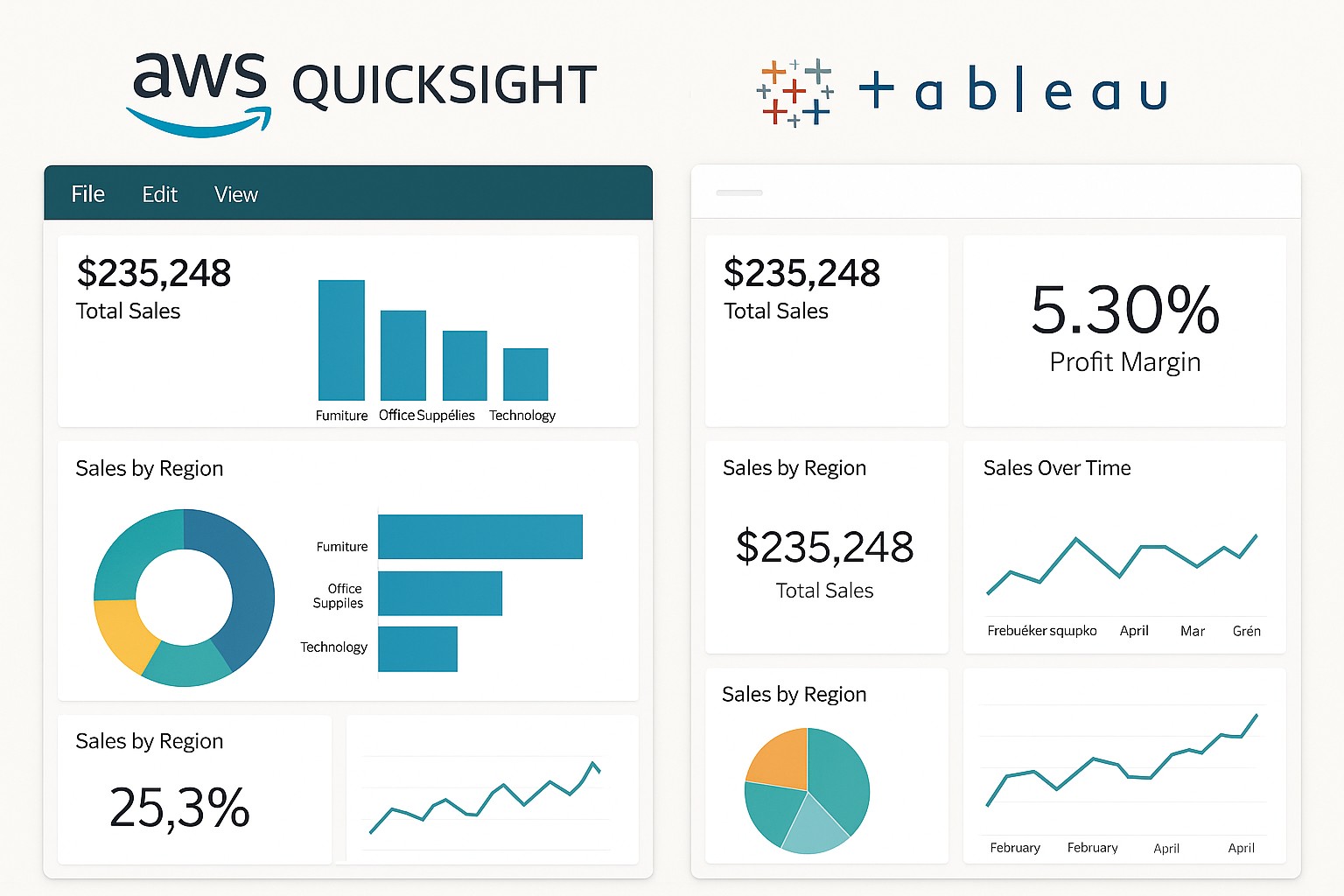
In today’s enterprise analytics landscape, Amazon QuickSight and Tableau are two of the most frequently evaluated tools. QuickSight is tightly integrated with the AWS ecosystem and is designed to scale in cloud data environments, while Tableau has a long-standing reputation for flexible, visually rich analytics and broad data connectivity. This article examines how the two compare across pricing, deployment options, feature sets, and the kinds of users each tool serves—from casual business users seeking quick insights to data analysts building sophisticated dashboards.
Choosing between QuickSight and Tableau often comes down to alignment with your cloud strategy, data governance requirements, and the depth of analytics you need. While both platforms enable self-service BI, they approach data modeling, visualization capabilities, and administration from different angles. The goal here is to help you assess the trade-offs in a way that reflects real-world usage, not just marketing claims.
Pricing and Deployment
Pricing and deployment models are among the most practical and consequential differences between QuickSight and Tableau. QuickSight is designed as a cloud-native service with a pay-as-you-go rhythm, typically charging per user per month for provisioned features and per-session pricing for ad-hoc access, along with an in-memory SPICE engine for fast analytics. This structure tends to be attractive for organizations that want predictable scaling and minimal operational overhead in a cloud-first environment.
Tableau, conversely, offers a mix of on-premises and cloud options. Organizations can deploy Tableau Server on their own infrastructure or opt for Tableau Online as a managed service. Tableau uses a tiered user-licensing model (Creator, Explorer, Viewer) with distinct costs and capabilities, and it supports perpetual licenses in on-prem deployments coupled with ongoing maintenance. In practice, Tableau’s licensing is often more complex but provides flexibility for enterprises with established data centers, hybrid environments, or strict governance requirements.
- QuickSight emphasizes cloud-native, consumption-based pricing (per-user and per-session) with SPICE-backed performance for fast dashboards.
- Tableau offers Creator/Explorer/Viewer licenses and both on-premises and cloud deployment options (Tableau Server and Tableau Online), with license terms that can include perpetual components for on-prem use.
- Deployment choice matters: QuickSight is typically AWS-centric and cloud-only, while Tableau supports on-prem, cloud, and hybrid architectures to accommodate varied data governance needs.
- Data-connectivity and governance costs often scale with the breadth of data sources and the complexity of security models in each platform.
- Overall total cost of ownership depends on user base size, data volume, and the level of analytics depth required by your organization.
Feature Set and Analytics Capabilities
Both tools offer robust visualization capabilities, but their strengths lie in different areas. QuickSight emphasizes speed and ease of use for AWS-centric data ecosystems. It includes built-in ML insights, anomaly detection, and forecasting that are accessible to business users without requiring advanced data science expertise. The SPICE engine provides in-memory performance, particularly for dashboards that draw from large datasets stored in AWS data stores such as Redshift or S3, and it supports interactive exploration through filters and drill-downs.
Tableau is renowned for its depth of analytics and the richness of its visualization capabilities. It supports advanced calculations, level-of-detail (LOD) expressions, complex table calculations, and a broad repertoire of visual types. Tableau’s design fidelity and interactive capabilities—such as parameter-driven dashboards, dynamic sets, and robust storytelling features—make it a preferred choice for analysts who need precise control over analytics logic and presentation.
Deployment, Scalability, and Security
Deployment flexibility and security governance are critical for organizations with diverse data environments. QuickSight’s cloud-native footprint aligns naturally with AWS security constructs, leveraging IAM roles, VPC isolation, and KMS-based encryption. Auto-scaling compute resources help maintain performance as user demand increases, and the service benefits from AWS-managed reliability and updates. This makes QuickSight an attractive option for teams that want streamlined administration and a tightly integrated cloud stack.
Tableau offers a broader set of deployment choices, including on-premises Tableau Server for organizations with strict data residency requirements, and Tableau Online for a hosted experience. Security and governance features are strong in Tableau, with role-based access controls, row-level security, SAML-based SSO, and robust data source permissions. Tableau’s architecture can require more careful planning around hardware sizing, extract refresh schedules, and bandwidth in large, distributed deployments, but it provides substantial flexibility for complex governance regimes.
Target Users and Use Cases
Understanding audience and use cases helps clarify which tool best fits an organization’s workflow. QuickSight tends to work well for teams embedded in AWS who need quick, affordable dashboards built atop AWS data sources and services. It’s well-suited for operational dashboards, light exploratory analytics, and shared metrics used across teams that don’t require heavy customization of analytics logic or bespoke visualization design.
Tableau excels in scenarios requiring deep analytics, highly customized dashboards, and governance across many departments and data sources. It is widely favored by data analysts and BI professionals who need advanced calculations, sophisticated visual designs, and enterprise-scale dashboard ecosystems. Tableau’s ability to connect to a broad set of data sources and to embed analytics in custom applications makes it a common choice for organizations with diverse data landscapes and mature analytics programs.
- Use cases for QuickSight: operational dashboards in AWS-centered data systems, rapid self-service analytics for business users, embedded analytics in cloud-native apps, and scalable dashboards across large user bases with predictable workloads.
- Use cases for Tableau: advanced analytics projects, enterprise dashboards with complex calculations, cross-functional governance across multiple data sources, and embedded analytics requiring fine-grained security and branding.
- Cross-tool scenarios: some organizations run both tools to serve different cohorts—QuickSight for cloud-native, cost-effective ops dashboards and Tableau for analysts needing deeper analytics and broad data connectivity.
Data Visualization Quality and Performance
Visualization quality and performance depend on the sophistication of visuals, interactivity, and responsiveness under load. Tableau has a long-standing reputation for high-fidelity visuals, a wide variety of chart types, and very responsive dashboards when designed by skilled developers. Its performance often benefits from thoughtful data modeling, optimized extracts, and caching strategies, especially in large enterprises with complex analytics requirements.
QuickSight emphasizes rapid deployment and straightforward dashboards with adequate visual variety for common business scenarios. Its emphasis on ML-powered insights and anomaly detection adds a level of analytical capability that doesn’t require deep scripting. Relative to Tableau, QuickSight dashboards may feel more utilitarian but can deliver strong performance at scale within AWS data ecosystems, particularly when data resides in Redshift, S3, or Athena.
Integrations and Ecosystem
The ecosystems around each tool influence how easily you can scale analytics across an organization. QuickSight benefits from native integration with AWS data services and IAM-based security, enabling seamless connectivity to Redshift, Athena, S3, Data Lakes, and Glue. This tight integration helps reduce data movement and accelerates deployment in AWS-centric architectures. For organizations heavily invested in AWS, QuickSight often presents a cohesive, low-friction path to BI at scale.
Tableau offers a broad network of connectors and integration capabilities beyond the AWS stack. It can connect to a wide array of databases, data warehouses, and cloud services—from Snowflake and Redshift to Salesforce, Google BigQuery, and Oracle. Tableau’s APIs and embedding options also support sophisticated embedded analytics and custom applications. This breadth can be especially valuable for enterprises with heterogeneous data landscapes and complex governance needs.
Migration Considerations
Moving from one BI platform to another involves careful planning around data sources, data models, and governance concepts. A practical approach is to start with an inventory of data sources, dashboards, and critical metrics, then map how those items would translate to the target platform’s data structures and calculations. Consider how calculated fields, filters, and visualizations will be ported or reimplemented, and identify any dependencies on platform-specific features.
Organizations should develop a phased migration plan that includes a pilot, a rollback strategy, and training for business users. It’s also important to align with security and compliance requirements, including role-based access, data masking, and audit trails. A well-structured migration can minimize business disruption while enabling teams to adopt the new tool with confidence.
- Inventory data sources, dashboards, and key metrics; map data models and calculation logic to the target platform.
- Plan a phased rollout with a pilot group, a training program, and a clear rollback path if needed.
- Document governance requirements, security policies, and data access controls to maintain compliance during and after migration.
Conclusion
Both Amazon QuickSight and Tableau offer compelling capabilities for modern BI, but they cater to different operating models and user needs. QuickSight shines in cloud-native, scalable deployments within AWS, with a straightforward pricing model and fast time-to-value for dashboards built atop AWS data sources. Tableau stands out for analysts who require deep analytics, advanced calculations, rich visual design, and broad connectivity across diverse data environments. For organizations with a strong AWS footprint, QuickSight can deliver cost-effective, scalable BI with solid governance, while Tableau remains the go-to choice for complex analytics and enterprise-wide BI programs. The optimal path often involves assessing cloud strategy, data governance, user proficiency, and the level of analytic sophistication required—and then choosing one platform or a combination that best fits those realities.
How easy is it for new users to get started with these tools?
Both tools offer intuitive interfaces for basic dashboards, but Tableau tends to require more hands-on training for advanced analytics and dashboard design, given its rich feature set. QuickSight provides a gentler learning curve for business users who primarily need to build straightforward dashboards connected to AWS data sources. In environments where speed and simplicity are paramount, QuickSight is often the faster path to value; for deeper analytics and enterprise-scale governance, Tableau typically demands more training but yields greater analytical flexibility.
Can QuickSight replace Tableau for enterprise BI?
Replacement depends on requirements. If your primary goals are cost-effective cloud-native dashboards, fast onboarding for AWS data, and straightforward governance, QuickSight can cover a significant portion of enterprise BI needs. However, if your organization relies on advanced analytics, a broad ecosystem of data sources, and complex visualization or embedding scenarios, Tableau may still be the preferred platform. Many enterprises adopt a hybrid approach, using QuickSight for lightweight, scalable dashboards and Tableau for specialized analytics workloads.
Which tool supports embedded analytics more effectively?
Tableau has long been a leader in embedded analytics, offering mature APIs, robust embedding options, and extensive customization. QuickSight also supports embedding, particularly within AWS-based applications, and provides secure access control through AWS identity services. If your embedding requirements are tightly tied to AWS and you value a simpler embedded experience, QuickSight can perform well; for intricate UI customization and wide-ranging integration scenarios, Tableau often provides more expansive capabilities.
How do data governance and security differ between them?
Both platforms provide strong security features, but their approaches reflect their ecosystems. QuickSight benefits from AWS-native security, IAM-based access control, and encryption integrated with AWS KMS, making it straightforward to align BI permissions with existing AWS policies. Tableau emphasizes enterprise governance through role-based access, row-level security, and SSO integrations with SAML, often requiring more deliberate configuration in heterogeneous environments. Ultimately, governance success depends on how well each platform can align with your organization’s data catalog, lineage, and compliance requirements.