Now Reading: React Native vs Xamarin: Cross-Platform Mobile Development
-
01
React Native vs Xamarin: Cross-Platform Mobile Development

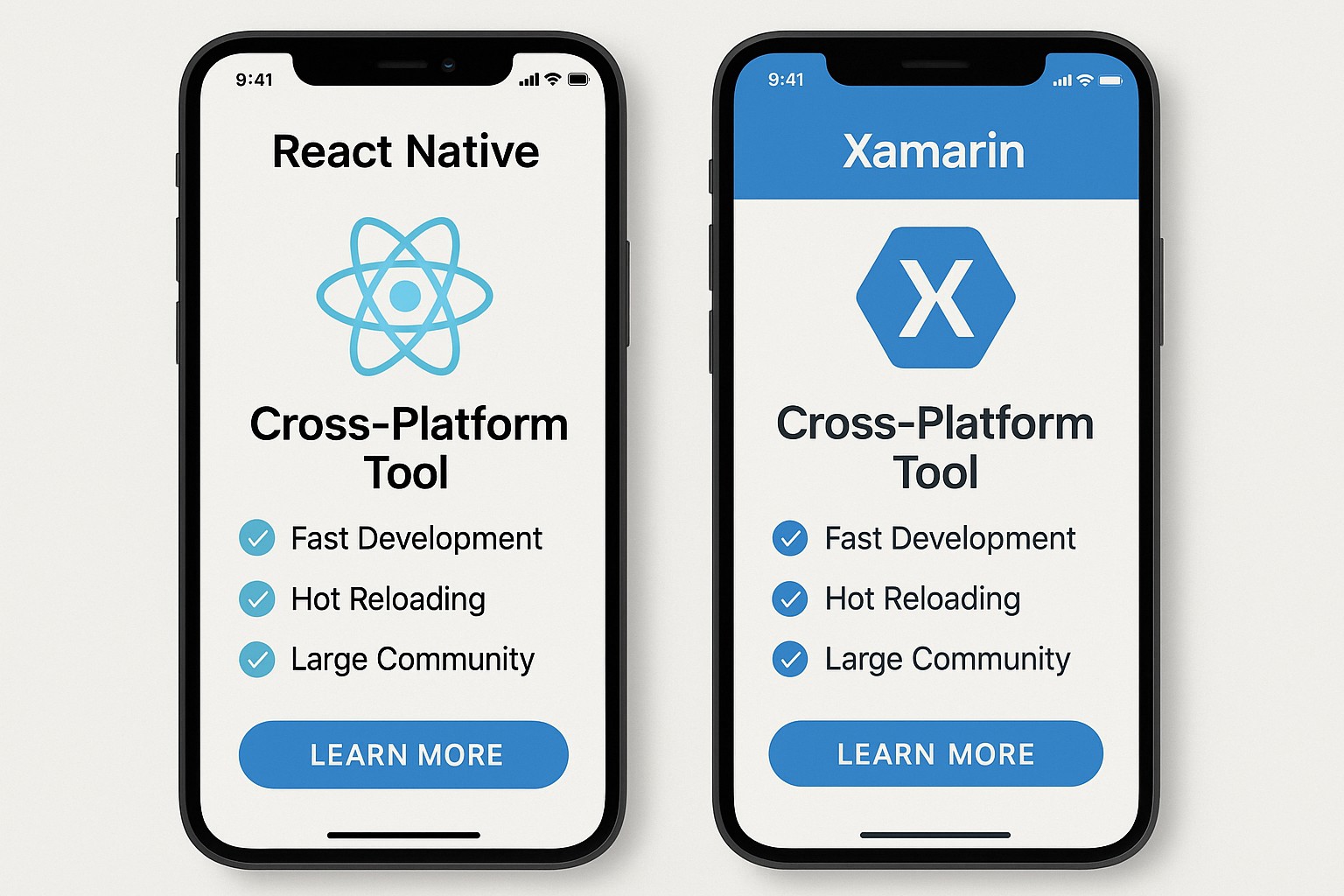
Overview of Cross-Platform Mobile Development
Across the software industry, cross-platform mobile development aims to deliver near-native experiences while maximizing code reuse across iOS and Android. Two of the most prominent options in this space are React Native, a JavaScript framework backed by Meta (formerly Facebook), and Xamarin, a .NET-based approach originally from Xamarin and now maintained by Microsoft. Both strategies target a shared codebase, but they diverge on core architecture, language, and integration patterns. React Native leans on a JavaScript bridge and a reactive UI model that translates component trees into native views, whereas Xamarin compiles to native bindings that call into the platform SDKs. The result is a spectrum: React Native often delivers faster initial iteration cycles and can leverage the broader web development ecosystem, while Xamarin emphasizes deeper native parity and tighter integration with platform-specific capabilities through C# and the .NET ecosystem. For product teams, the choice signals not only technical feasibility but also alignment with existing skill sets, maintenance overhead, and long-term vendor strategy.
From a business perspective, both frameworks promise significant time-to-market advantages when a single codebase can cover multiple platforms. However, the evaluation must extend beyond lines of code. Considerations include how frequently the app consumes native modules, how critical camera, AR, or background services are to the product, and the desired level of pixel-for-pixel UI parity with platform conventions. Teams that already invest in the JavaScript tooling and frontend development often favor React Native for rapid prototyping and faster iteration cycles, while organizations with strong C# expertise, enterprise integrations, and a preference for static typing may lean toward Xamarin. In either case, leadership should assess the total cost of ownership, including training, staffing, continuous integration and delivery pipelines, and the potential need to implement custom native modules. The decision should align with broader architectural goals and the roadmap for platform-specific capabilities over a multi-year horizon.
Technical Characteristics: Performance, Runtime, and UI
Performance and runtime characteristics shape the user perception of the app as much as raw benchmarks. React Native executes most logic in JavaScript and relies on a bridge to render native UI elements, which can introduce overhead for calls that cross the boundary between JavaScript and native code. Xamarin, by contrast, compiles to native code for both Android and iOS and leverages bindings to the platform SDKs, which typically yields more predictable CPU and memory usage and tighter integration with native threads. The UI in React Native is a composition of native views but orchestrated by JavaScript, while Xamarin renders native controls directly through bridging layers that map to Xamarin.iOS and Xamarin.Android. In practice, the performance delta depends heavily on the application pattern: CPU-bound tasks, complex scrolling, and frequent cross-bridge communication will benefit from Xamarin’s more native posture, whereas apps with heavy UI composition and rapid feature iteration may ride the strengths of React Native’s hot-reload workflow and the breadth of the JavaScript ecosystem. For teams, this means profiling early and distinguishing what is truly custom or platform-specific from what can be shared across codebases.
- Runtime model and code sharing strategy
- Bridge overhead and cross-thread calls
- Native UI parity and customization
- Startup time and memory footprint
- Access to platform features and SDKs
- Debugging and performance profiling tools
- Third-party library availability and maturity
- Long-term maintenance and upgrade cycles
Beyond these dimensions, platform-specific considerations—such as how updates propagate to users, the maturity of debugging tooling, and the ease of integrating with existing backend services—play a decisive role. Teams should measure not only initial performance but also how the framework behaves under real-world conditions, including network variability, background processing, and accessibility features. A thoughtful evaluation protocol combines profiling, end-to-end testing, and staged rollouts to uncover any platform-specific quirks that might affect users’ perceived performance or reliability.
Development Experience, Tooling, and Ecosystem
Development experience, tooling, and ecosystem influence how fast teams can deliver value and how quickly they become productive in new features. React Native emphasizes JavaScript/TypeScript as the primary language, with a large web-centric library ecosystem and a vibrant community of plugins. Xamarin grounds development in C# and .NET, which appeals to enterprise environments with established governance, static typing, and strong IDE support. This distinction drives decisions about hiring, training, and ongoing maintenance. The choice also affects how easily teams can onboard designers, QA, and project managers who interact with platform-specific APIs or require native modules. In both cases, a deliberate alignment of tooling with the organization’s release cadence and quality standards is essential to prevent drift between the codebase and the expected user experience.
- Integrated development environment: React Native commonly pairs with VS Code or JetBrains IDEs, while Xamarin benefits from Visual Studio’s comprehensive debugging, profiling, and project management capabilities.
- Live reload and debugging: React Native offers Fast Refresh and an efficient iteration loop, whereas Xamarin historically relied on different Live Player or simulator workflows that can vary by platform and version.
- Native module integration: React Native uses a bridging pattern to expose native functionality, which can introduce overhead for frequent cross-boundary calls; Xamarin uses direct bindings to native APIs with a more uniform language experience in C#.
- Testing frameworks and quality gates: Projects in React Native often leverage Jest and Detox for unit and end-to-end tests, whereas Xamarin projects tend to rely on NUnit/xUnit, MSTest, and platform-specific UI testing tools.
- Build, deployment, and CI/CD: JavaScript bundling and metro tooling in React Native interact with external pipelines, while Xamarin projects integrate with MSBuild-based pipelines and App Center for distribution and monitoring.
- Component libraries and accessibility: The npm ecosystem provides a vast array of UI components and utilities for React Native, while Xamarin relies on curated components and bindings within the .NET ecosystem, which can lead to different maintenance trajectories and compatibility considerations.
Beyond tools, the ecosystem shapes adoption velocity. Package management, library quality, and long-term maintenance cadences affect risk when choosing a framework. Organizations should assess the availability of experienced developers, the ease of finding skilled testers and designers who understand platform-specific behavior, and the maturity of documentation and community support. While React Native can leverage a broad pool of frontend developers, Xamarin’s strength lies in teams comfortable with enterprise-grade architectures, strong typing, and the depth of the .NET toolchain. The decision should consider both current capabilities and the organization’s strategic direction for technology standards across products and platforms.
Emphasizing practical considerations, teams should also plan for accessibility, localization, and performance testing as core parts of the development lifecycle. A cross-platform strategy that neglects these aspects risks delivering inconsistent experiences or missing regulatory requirements, particularly in markets with strict accessibility or localization expectations. In short, the right tooling choice harmonizes with the company’s architectural principles, talent strategy, and long-term maintenance plan, ensuring a cohesive evolution path for the product line.
Decision Framework for Projects
Decision frameworks for projects often come down to risk tolerance, team capability, and strategic direction. For startups seeking speed, React Native can offer a shorter path to MVP thanks to a broad talent pool, extensive UI components, and a quicker feedback loop from cross-platform changes. For regulated industries and large enterprises with a strong .NET footprint, Xamarin can deliver tighter integration with enterprise services, stronger tooling with Visual Studio, and a clearer alignment with governance and security policies. The choice also hinges on platform horizon: if the app must stay perfectly aligned with evolving iOS or Android conventions, or if a long runway of native feature adoption is planned, teams may prefer a more nativeized approach and deeper platform engagement. In short, the answer is not purely technical; it rests on how teams structure delivery, maintain compatibility, and plan for future expansion across devices.
- Team skillset alignment (JavaScript/TypeScript vs C#/.NET)
- Frequency and depth of native feature usage
- Long-term maintenance and vendor roadmap
- Ecosystem maturity and library availability
- Time-to-market and user experience goals
FAQ
What are the main trade-offs between React Native and Xamarin in terms of runtime and performance?
The practical differences emerge from how each framework executes code and renders UI. React Native relies on JavaScript execution with a bridge to native views, which can introduce latency for cross-boundary calls and affect fluidity in highly interactive screens. Xamarin compiles to native code and binds directly to platform SDKs, often delivering more predictable performance and tighter integration, especially in compute- or rendering-heavy scenarios. The best choice depends on whether the app’s bottlenecks are UI-heavy cross-platform interactions or native feature integrations require low-latency access to device capabilities.
Which framework is better suited for enterprise apps?
For teams anchored in the .NET ecosystem and governance models that emphasize static typing, code reuse, and strong IDE support, Xamarin offers a compelling path with closer alignment to enterprise tooling and security practices. React Native can also serve enterprise contexts, particularly when the organization has robust JavaScript expertise and needs rapid iteration across product lines. In essence, the decision should reflect alignment with existing skill pipelines, security and compliance requirements, and the long-term strategy for maintaining a multi-platform product suite.
How do you handle native feature access and third-party libraries?
React Native typically relies on a bridge to expose native functionality, which can require additional maintenance for bridging modules and careful profiling to minimize cross-boundary overhead. Xamarin uses bindings to native APIs within the C# layer, often resulting in more straightforward access to platform capabilities and tighter integration with the .NET ecosystem. In both cases, when a feature lacks an official package, teams may implement custom native modules or bindings, but the associated maintenance and upgrade costs should be factored into project planning.
Is it viable to migrate an existing app from one framework to another?
Migration is generally non-trivial and rarely zero-cost. It typically involves rearchitecting portions of the UI, rewiring platform-specific integrations, and rebuilding the testing strategy. A pragmatic approach is to migrate feature by feature or to adopt a hybrid strategy that maintains critical modules in their native form while gradually porting shared logic. A thorough cost–benefit analysis, a staged migration plan, and clear risk controls are essential to avoid disruption to users or regressions in reliability.
What is the recommended approach for a new project?
For a new project, start with a capability and people assessment. If the team already has strong JavaScript/TypeScript skills and speed-to-market is paramount, React Native can accelerate initial delivery and enable rapid experimentation. If the project emphasizes long-term maintainability within a .NET enterprise context and requires very close native integration, Xamarin may provide a more stable path with stronger toolchain support. Regardless of choice, define a robust architecture, implement strong testing and automation, and plan for platform-specific refinements that preserve a cohesive user experience across devices.