Now Reading: Top Cloud Monitoring Tools for Performance and Security
-
01
Top Cloud Monitoring Tools for Performance and Security

Executive Overview: Cloud Monitoring in the Modern Enterprise
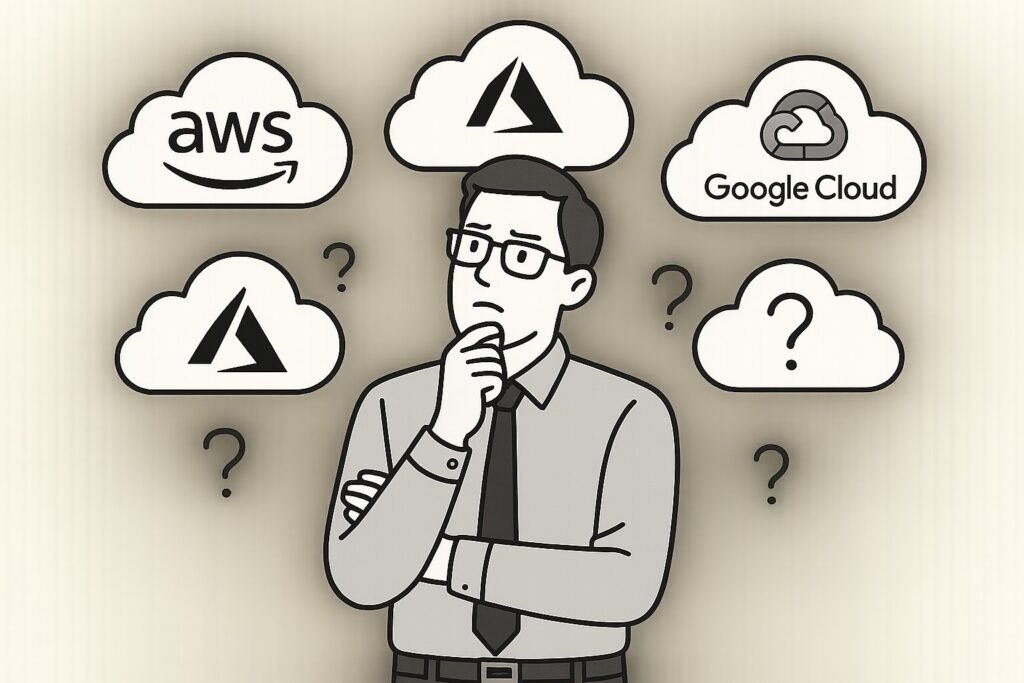
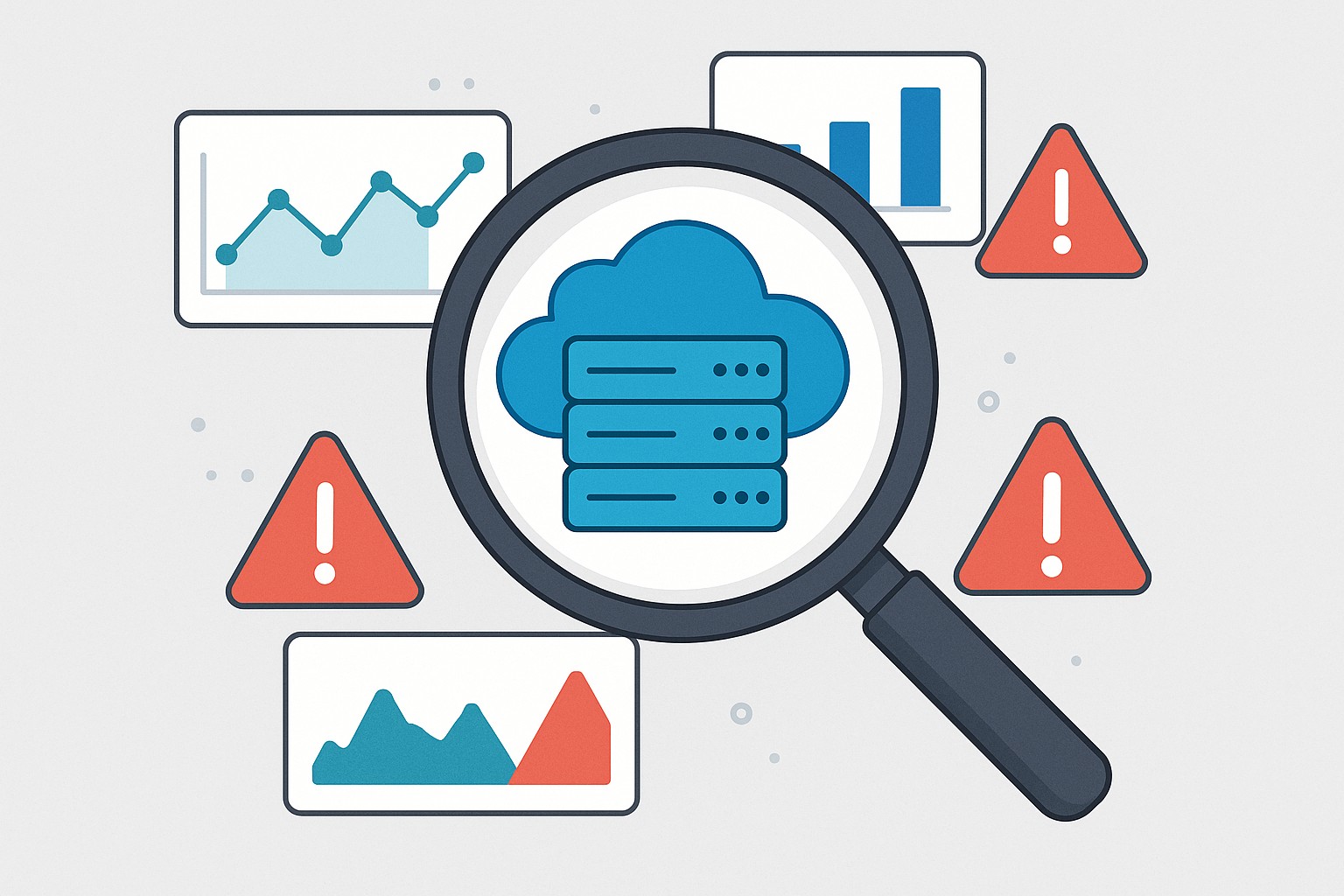
In the era of distributed, cloud-first architectures, performance, reliability, and security depend on continuous visibility into workloads, networks, storage, and services. Enterprises increasingly operate across AWS, Azure, and Google Cloud, along with SaaS and on‑prem footprints, which complicates correlation and incident response. A robust cloud monitoring strategy must unify telemetry from compute, databases, containers, serverless functions, network edges, and identity services, while aligning with governance policies and cost controls. The goal is to preempt outages, diagnose root causes quickly, reduce MTTR, and optimize spend. As clouds evolve, monitoring platforms must scale, support multi-cloud collaboration, and empower operators with actionable analytics rather than merely collecting data.
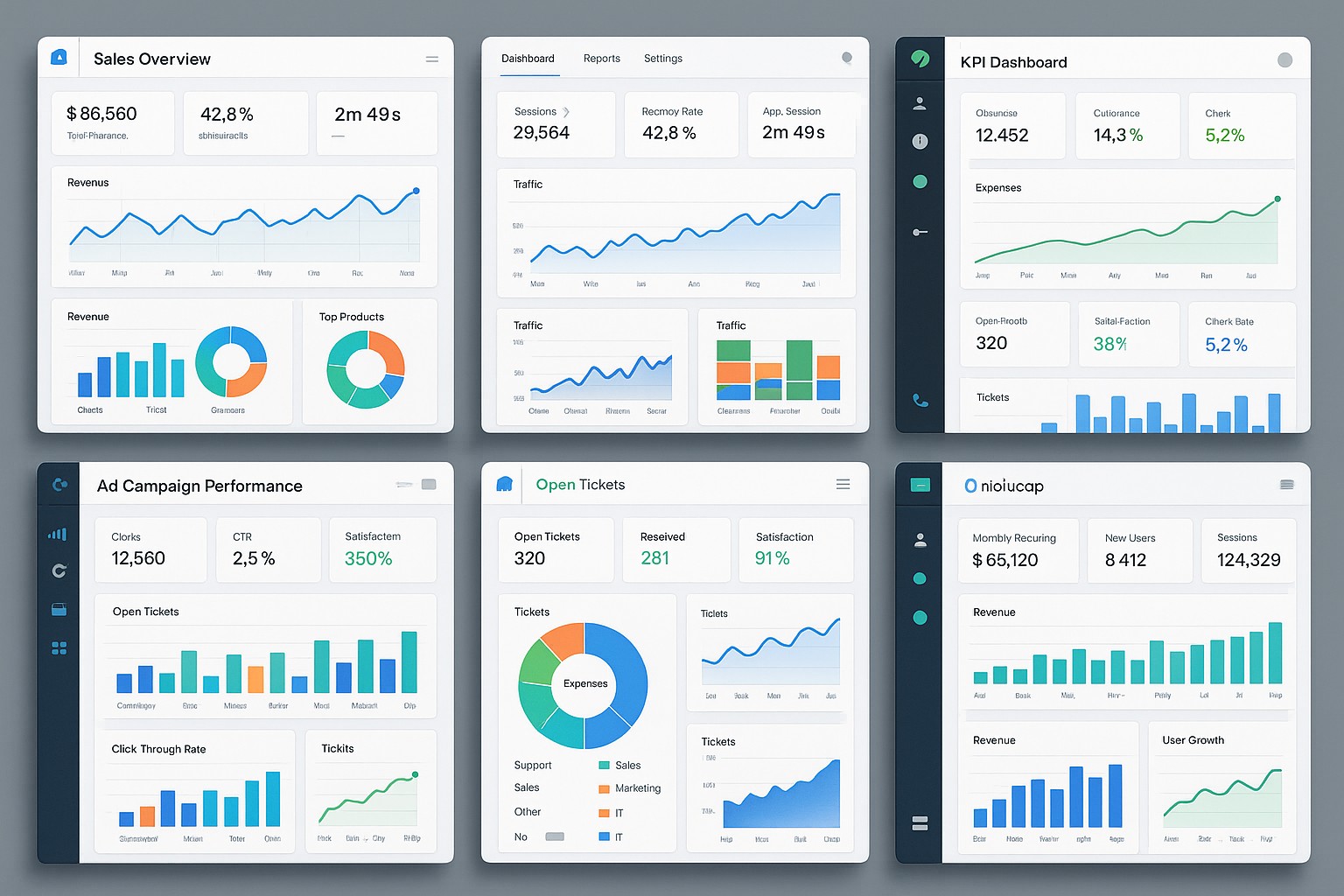
Observability is not just about dashboards; it combines metrics, traces, logs, and events with intelligent alerting and security monitoring. When evaluating tools, organizations look for cross-cloud data collection, scalable storage, fast search, anomaly detection, AI-assisted insights, customizable dashboards, alert routing, and the ability to integrate with SIEM, service catalogs, and incident platforms. A thoughtful approach also considers data residency, retention, and licensing economics, as cloud spend continues to grow more rapidly than infrastructure costs. In practice, leaders favor tools that deliver a single pane of glass across providers, with security context layered into performance dashboards, and a clear path to operations automation. For security teams, a transparent view of cloud provider security posture and the ability to compare controls across providers is essential in a cloud provider security comparison, informing risk decisions and hardening strategies.
Top Cloud Monitoring Tools for Multi-Cloud Environments
The tools highlighted here range from multi‑cloud observability platforms to provider-native solutions that offer cross‑cloud visibility. Each tool has strengths in telemetry aggregation, correlation, and incident response, making them suitable for organizations seeking unified dashboards, anomaly detection, and automated remediation across AWS, Azure, and GCP. When selecting among them, consider your cloud mix, data residency requirements, integration needs, and whether you want to centralize security monitoring or allow provider-native controls to operate as the primary data source while still surfacing alerts in a common console.
- Datadog
- Dynatrace
- New Relic
- AWS CloudWatch + X-Ray
- Azure Monitor
- Google Cloud Operations Suite (formerly Stackdriver)
These tools collectively enable rich dashboards, cross‑cloud alerting, and security integrations while supporting flexible pricing models. Enterprises often use a core multi‑cloud observability platform for centralized incident management while retaining native provider capabilities for deep, cloud‑specific telemetry. The choice frequently hinges on how deeply an organization wants to instrument security events, how it handles data residency, and whether teams require AI‑driven anomaly detection and automated remediation workflows.
Cross-Provider Capabilities: What To Look For
| Capability | What it enables | Cross-Cloud Support |
|---|---|---|
| Data collection & normalization | Unified telemetry from compute, storage, networks, and services | High |
| Real-time analytics & alerting | Live dashboards, threshold-based and anomaly detection | High |
| Security & compliance visibility | Threat detection, IAM activity, policy compliance | Medium-High |
| Cost and usage insights | Cost anomalies, budget forecasting, resource optimization | High |
| Incident response integration | Alerts to ITSM/SIEM, runbooks, automation | High |
| Extensibility & ecosystem | APIs, plugins, custom dashboards, tags | High |
When evaluating cross‑cloud capabilities, enterprises should map their needs to concrete use cases: incident response speed, security context enrichment, governance and compliance posture, and cost controls. A practical approach is to test data collection from each provider, validate alert routing to a centralized service desk, and confirm that the platform can surface security events alongside performance metrics. The right tool will provide consistent semantics for resources, tags, and identities across clouds, enabling a cloud provider security comparison that helps security, cost management, and operations teams work from a single truth source.
Implementation Considerations by Provider: AWS, Azure, and Google Cloud
Adopting a unified monitoring strategy across AWS, Azure, and Google Cloud requires deliberate design around data gravity, egress costs, and access governance. Teams should plan how telemetry will be ingested, stored, and retained for the required regulatory timelines, while ensuring that sensitive data is protected with encryption, RBAC, and least-privilege access controls. In practice, you’ll want a hybrid approach: leverage native provider telemetry where it delivers depth, and route key signals to a central platform to enable cross‑cloud correlation, security analytics, and executive dashboards. A well‑defined data retention policy aligned with compliance standards (for example SOC 2 or ISO 27001) helps balance cost and value, reducing the risk of data sprawl across clouds.
For AWS-heavy environments, you can leverage CloudWatch Metrics and Logs in combination with X‑Ray for distributed tracing, and tap into event-driven automation via Lambda. Azure‑centric deployments benefit from Azure Monitor, Log Analytics, and Application Insights, with strong integration into Defender for Cloud for security posture management. Google Cloud users typically rely on Cloud Operations (formerly Stackdriver) for metrics, traces, and logs, with additional security telemetry from Chronicle or partner SIEMs when required. Regardless of provider, a central observability layer should harmonize resource identifiers, tagging strategies, and alert schemas so that operators can navigate incidents without context switching. The following example illustrates how an alert rule might be articulated in a common automation format used across providers:
{
  "name": "High CPU Utilization",
  "type": "threshold",
  "threshold": 0.8,
  "duration": "PT5M",
  "action": "notify-ops",
  "conditions": [
    {"metric": "CPUUtilization", "provider": "AWS", "region": "us-east-1"}
  ]
}
Implementers should also consider data residency requirements, data egress costs, and how securely externalized telemetry is transmitted. A practical governance model includes tagging policies, access controls for telemetry data, and documented runbooks that define when and how to escalate to incident response. By combining provider-native strengths with a unifying cross‑cloud view, IT organizations can achieve a robust security posture while maintaining performance and cost visibility across all cloud environments.
Operational Excellence and Security in Cloud Monitoring
To maximize value, organizations should treat cloud monitoring as an ongoing program rather than a project with a one‑time deployment. Establishing baseline performance metrics, defining service level objectives (SLOs), and codifying alert fatigue reduction strategies are essential steps. Incorporating security telemetry into the same dashboards used for performance and reliability helps ensure that potential vulnerabilities are surfaced in context, enabling faster, safer decision‑making. Regularly reviewing access controls, data retention policies, and integration points with SIEMs and ticketing systems closes the loop between detection, investigation, and remediation. A disciplined approach to monitoring also supports a measurable cloud provider security comparison over time, showing how improvements to configuration, identity management, and network controls translate into reduced risk and lower total cost of ownership.
FAQ
What is cloud monitoring and why is it important?
Cloud monitoring is the ongoing collection, analysis, and visualization of telemetry from cloud-based resources and services to ensure performance, reliability, and security. It is important because it enables teams to detect anomalies, understand the root causes of incidents, optimize costs, and maintain governance across multi-cloud environments. Effective monitoring translates raw data into actionable insights, supports proactive remediation, and reduces mean time to repair (MTTR) by providing context for responders.
How do I choose a cloud monitoring tool for a multi-cloud environment?
Choosing a tool for a multi-cloud environment involves evaluating data collection breadth, real-time analytics, security features, cost visibility, and integration with existing incident and SIEM workflows. You should assess how well the tool unifies telemetry from AWS, Azure, and GCP, whether it supports your preferred alerting and automation pipelines, and how it handles data residency and retention. It is also important to consider vendor risk, scalability, and the ability to generate a consistent “single source of truth” across providers to support cloud provider security comparison and governance efforts.
What are common pitfalls in cloud monitoring?
Common pitfalls include underestimating data volume and egress costs, creating alert fatigue from overly noisy rules, and treating monitoring as a one-off project rather than an ongoing program. Other pitfalls are relying too heavily on provider-native dashboards without a cross‑cloud view, poor tagging standards that hinder correlation, and insufficient integration with security and incident response workflows. Addressing these through a well‑defined data strategy, standardized alerting, and continuous governance helps prevent blind spots and improves overall security posture.