Now Reading: Best Embedded Analytics Platforms in 2025 (Comprehensive Review)
-
01
Best Embedded Analytics Platforms in 2025 (Comprehensive Review)

GoodData Embedded
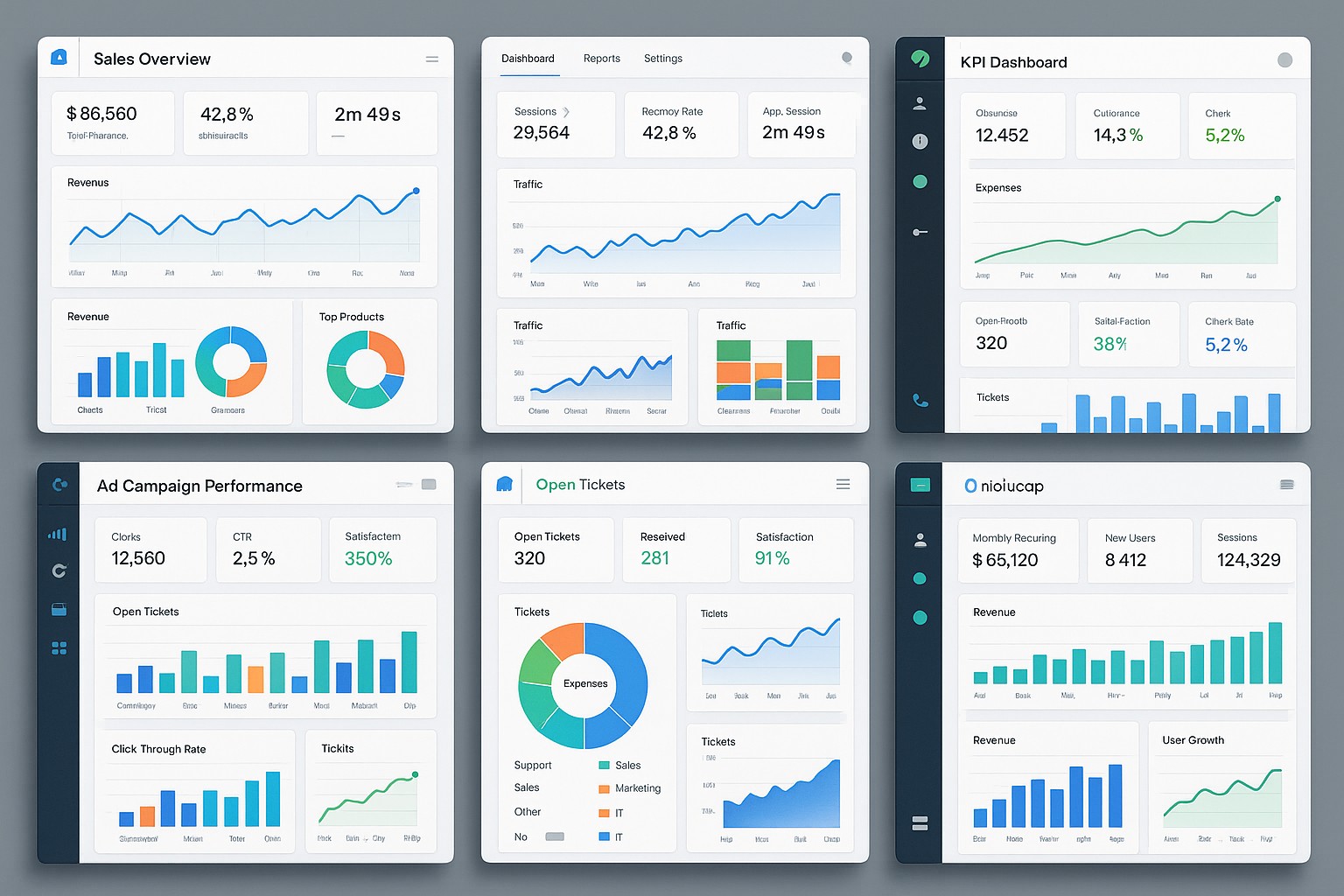
GoodData Embedded is designed for developers who want to deliver enterprise-grade analytics inside customer applications. It provides embeddable dashboards and reports, a robust semantic layer, and governance controls that scale as you onboard more tenants. Through REST APIs and the JavaScript SDK, teams can embed charts, widgets, and interactive analytics with white-label styling and responsive visuals across devices.
Key features include a scalable multi-tenant architecture, strong data governance, and a flexible embedding model. It supports per-tenant isolation, secure data sharing across tenants, and SSO integration with leading identity providers. The pricing model is typically enterprise-oriented and negotiated at scale based on tenant count, data volume, and usage patterns, which makes it a solid fit for mature SaaS applications seeking deep analytics inside their product.
- Multi-tenant-ready architecture with per-tenant isolation
- Rich data modeling and semantic layer to simplify embedding
- Flexible embedding options (JS SDK, iframe, and API-driven components)
- Strong governance, RBAC, audit trails, and SSO integration
- White-labeled UI and responsive visuals for SaaS apps
Power BI Embedded
Power BI Embedded leverages the Microsoft data platform and Azure ecosystem, offering a familiar BI experience for customers within your product. It supports embedded dashboards and reports with strong developer tooling, including the REST API and JavaScript embedding, and benefits from seamless authentication with Azure AD. The tight coupling with the Microsoft stack also brings robust data connectivity to common data sources and services used in enterprise environments.
Multi-tenancy and security are supported through roles, row-level security, and workspace scoping, with options to allocate dedicated capacity for predictable performance. Pricing combines embedded capacity costs with potential per-user licensing or consumption-based models, depending on your scale and licensing arrangement, which makes it a practical choice for teams already invested in the Microsoft ecosystem.
- Capacity-based embedded pricing with scalable SKUs
- Built-in row-level security (RLS) and Azure AD-based authentication
- Rich API surface and developer tooling for seamless embedding
Tableau Embedded
Tableau Embedded remains a strong option for teams with existing Tableau Server or Tableau Online deployments. It exposes dashboards, views, and data visualizations through the Tableau JavaScript API and Viz embedding, enabling highly interactive analytics inside your product with Tableau’s renowned visualization capabilities. This approach is particularly appealing for organizations that require deep interactivity and advanced visual exploration in their embedded experiences.
Multi-tenancy and governance in Tableau are achieved through site and project scoping, user permissions, and SSO integration. Pricing typically follows enterprise licensing models aligned with your Tableau deployment (per-core or per-user in the enterprise agreements), making it suitable for organizations with deep Tableau investments and a need for centralized governance of analytics content.
- SaaS products needing white-labeled Tableau visuals
- Advanced interactivity and VizQL-driven analytics
- Strong governance and centralized data sources across tenants
- Easy integration with existing Tableau Server/Online groundwork
Looker Embedded
Looker Embedded focuses on modeling-first analytics with LookML, providing an embedded API and Looker Blocks for rapid deployment inside apps. The embedding options include iFrame-based visuals and customization through the Looker frontend APIs, making it a good fit for products that require consistent data modeling, governance, and scalable analytics embedded at scale. The platform emphasizes reusable data models and governed data access across tenants.
Looker emphasizes centralized governance, RBAC, and permission-based access, with security reliability backed by Google Cloud infrastructure. Licensing and costs are typically negotiated at scale as part of broader Google Cloud usage, which can simplify budgeting for organizations already leveraging Looker for broader analytics initiatives.
For a quick side-by-side view of how these platforms compare on core embedding capabilities, refer to the following table.
| Platform | Embedded options | Multi-tenancy | Pricing model | Ideal for |
|---|---|---|---|---|
| GoodData | REST API, JS SDK, White-label dashboards | Yes, per-tenant isolation | Enterprise licenses based on tenants and usage | SaaS providers needing white-label analytics |
| Power BI Embedded | JavaScript API, REST API, Power BI REST | Supports multi-tenant with RLS and workspace scoping | Capacity-based embedded pricing plus per-user options | Microsoft-centric apps needing Azure integration |
| Tableau Embedded | Tableau JS API, Viz embedding | Yes, via site/project scoping | Enterprise licensing (per-core or per-user) | Organizations with existing Tableau deployments |
| Looker Embedded | Looker embedded API, Looker Blocks | Yes, governed access via LookML | Enterprise license within Google Cloud ecosystem | Modeling-centric embedding with strong data governance |
FAQ
What is embedded analytics, and why should a product team consider it?
Embedded analytics is the practice of delivering analytics capabilities directly inside a product or application, so customers can view, explore, and interact with data without leaving the app. It enables product teams to monetize their software, improve user engagement, and differentiate offerings through data-driven insights. By choosing the right platform, you can tailor the analytics experience to fit your brand, security requirements, and performance targets while leveraging your existing data sources.
How should organizations approach multi-tenancy in embedded analytics?
Multi-tenancy requires careful planning around data isolation, governance, and provisioning. Key considerations include how tenants are identified and isolated in data and metadata layers, how RBAC and attribute-based access control are implemented, how onboarding and offboarding of tenants are handled, and how capacity is allocated to prevent noisy neighbors. Integration with identity providers for single sign-on and robust auditing are essential to maintain security and compliance across all tenants.
What factors drive total cost of ownership for embedded analytics platforms?
Total cost of ownership is driven by licensing models (per-tenant vs. per-user vs. capacity-based), data volume and refresh frequency, API usage, embedding concurrency, and the cost of data storage and processing. Additional costs include the developer effort required to integrate and maintain the embedding layer, security and governance tooling, and any platform-specific add-ons such as advanced visualization features or premium connectors. A clear view of scale and future tenant growth is essential to avoid budget surprises.
Which platform is best for a SaaS product with heavy data visualization needs?
The best choice depends on your existing stack, data sources, and required governance. If you are deeply invested in the Microsoft ecosystem and require straightforward Azure AD integration, Power BI Embedded can be cost-effective and familiar for users. If your product demands advanced, interactive visual explorations and you already use Tableau, Tableau Embedded is compelling. For modeled data and strict governance with flexible embedding patterns, Looker Embedded is well-suited. If you need robust white-label analytics across numerous tenants with strong RBAC and semantic modeling, GoodData Embedded can be a strong fit. A proof of concept across 2–3 platforms tailored to your data sources and SLAs is recommended.