Now Reading: What is Autodesk Recap? Overview and Use Cases
-
01
What is Autodesk Recap? Overview and Use Cases

Overview of Autodesk Recap
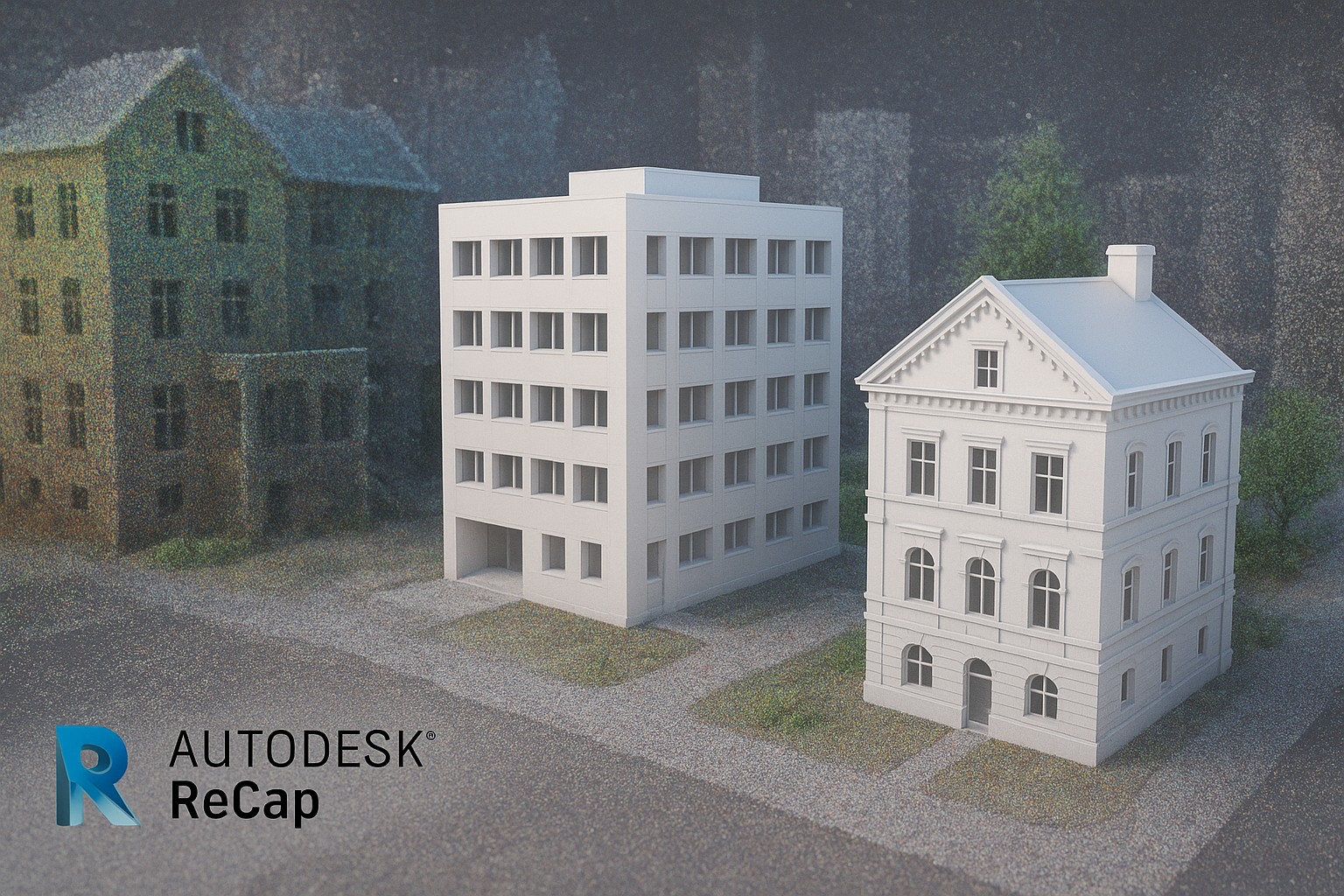
Autodesk Recap is a reality capture platform that helps professionals convert physical environments into accurate digital representations. By processing data from laser scanners, photogrammetry, and drone-based surveys, Recap creates dense point clouds, textured meshes, and supporting deliverables that feed into downstream BIM and CAD workflows. The goal is to transform field measurements into reliable, baseline data that design teams can reference for planning, coordination, and asset management. For teams tasked with validating as-built conditions or documenting changes over time, Recap provides a practical bridge between the field and the model-based design environment.
Autodesk also offers Recap Pro as an enhanced edition that includes advanced tools for larger projects, more precise editing, and streamlined collaboration. The Pro capabilities are designed to improve throughput in complex surveys and to support more rigorous quality control in environments where data volumes are substantial. When teams consider whether to deploy Recap or Recap Pro, they typically weigh project scale, data density, and the degree of automation they require. In both cases, the core value proposition remains consistent: faster, more accurate reality capture that reduces rework and accelerates decision-making in construction, infrastructure, and facility management workflows.
For organizations exploring this technology, it helps to think about Recap as a data-creation layer rather than a final deliverable. The real benefits emerge when recap-generated data is integrated into the broader digital twin and BIM ecosystem. Stakeholders including surveyors, general contractors, engineers, and owners can rely on a shared, geometry-driven foundation to compare design intent with current conditions, track progress, and coordinate activities across teams. In short, what is autodesk recap is a practical toolset for turning real-world environments into usable digital models that align with modern, data-driven construction processes.
Reality Capture Capabilities and Workflow
Autodesk Recap supports a multi-step workflow designed to convert scans and imagery into usable three-dimensional data. The typical path starts with data collection from diverse sources—terrestrial laser scanners, handheld devices, and drone-based photogrammetry—followed by alignment, cleaning, and organization of the raw data. The resulting point clouds and meshes flow into measurement, classification, and export steps that prepare the data for import into downstream design and analysis tools. This workflow is especially valuable for projects requiring precise as-built documentation, quick verification against design models, or ongoing monitoring of site conditions.
A core component of the Recap workflow is the ability to clean and optimize data without sacrificing fidelity. Noise removal, outlier suppression, and careful registration ensure that the model remains faithful to real-world geometry while remaining computationally tractable for subsequent tasks. In addition to point clouds, Recap can produce textured meshes and orthophotos that provide intuitive visualization for non-technical stakeholders. The software supports a range of export formats and data structures that facilitate smooth handoffs to Autodesk and non-Autodesk applications alike.
Key capabilities include seamless ingestion of multiple data sources, robust registration between scans, efficient cleaning and classification, and flexible export options for modeling, analysis, and visualization. With Recap Pro, teams gain access to enhanced tools for large-scale projects, batch processing, and more sophisticated quality control procedures, enabling more consistent results across diverse site conditions and project teams. These capabilities collectively empower engineers, surveyors, and construction managers to accelerate decision cycles while maintaining strict data integrity throughout the project lifecycle. What is autodesk recap in practice is a disciplined process that translates field reality into actionable digital content for BIM and coordination workflows.
- Data capture from laser scanners, hand-held devices, and drones for diverse site scenarios
- Precise alignment and registration of multiple scans into a coherent model
- Point cloud cleaning, noise reduction, and artifact removal to improve data quality
- Mesh generation and texture mapping to support visualization and analysis
- Measurement tools, distance checks, and model-to-field comparisons
- Flexible export formats (point clouds, meshes, orthophotos) for downstream use
These capabilities are designed to scale with project complexity, enabling both rapid field-to-model cycles and deeper, data-driven analyses for critical decisions on site.
Use Cases in Construction and BIM
Reality capture data generated with Recap serves a broad spectrum of use cases across design, construction, and facilities management. On construction sites, as-built verification is a primary application: teams document current conditions, compare against design intent, and identify deviations that may require adjustment. This becomes particularly valuable for ongoing renovations, retrofit projects, or expansions where existing conditions are uncertain or poorly documented. By establishing a reliable digital baseline, stakeholders reduce ambiguity, shorten RFIs, and improve coordination across trades.
Beyond as-built validation, Recap supports site planning and BIM coordination. Accurate reality capture data can be fed into BIM software to inform layout decisions, clash detection, and constructability analyses. For civil and infrastructure projects, Recap enables terrain modeling, grade verification, and alignment checks that inform earthwork estimates and drainage design. Asset management and facility handovers benefit as well: owners can preserve a digital record of equipment and spaces, improving maintenance planning and space utilization analyses over the life cycle of a building or infrastructure asset. Time-series capture over the course of a project also enables progress tracking and performance benchmarking, giving project managers a tangible lens on schedule adherence and scope changes.
Real-world workflows frequently integrate Recap data with other Autodesk solutions to maximize value. For example, point clouds and meshes can be referenced in Revit for model enrichment, used in InfraWorks for concept validation, and shared through BIM 360/ACC for collaborative review. The ability to link reality capture outputs with design and analysis tools reduces rework, shortens learning curves for new team members, and supports data-driven decision-making across the project ecosystem. In practice, what is autodesk recap is a practical enabler of safer, more predictable project delivery through reliable digital representations of the built environment.
- As-built documentation and condition verification against design models
- Site planning, earthwork estimation, and terrain modeling for civil projects
- Clash detection and coordination in BIM workflows with updated site data
- Asset management, space planning, and handover documentation for facilities
- Progress tracking and QA/QC through historical data comparisons
- Documentation for safety training and site familiarization using accurate 3D models
These use cases illustrate how Recap serves as a versatile data source that enhances collaboration, reduces risk, and supports evidence-based decision-making across project stages.
Ecosystem Integration and Data Exchange
Autodesk Recap is designed to slot into a broader ecosystem of design, analysis, and collaboration tools. A primary objective is to provide data that is readily consumable by downstream applications such as Revit, AutoCAD, Civil 3D, and InfraWorks. Point clouds and meshes generated in Recap can be imported or linked in Revit to enrich models with accurate as-built geometry, enabling more reliable design development and clash-free coordination. In Civil 3D and InfraWorks, real-world terrain and features captured in the field can be integrated for more accurate earthwork calculations and terrain analysis, supporting more informed routing and alignment decisions.
Export formats are chosen to maximize interoperability. Recap supports standard point cloud formats, meshes, and imagery that customers can share with project partners or archive as part of the project records. In addition to internal workflow efficiency, compatibility with common data formats helps maintain continuity across vendors and teams, minimizing translation errors and data loss during handoffs. For teams adopting cloud-based collaboration, Recap data can be stored and accessed via Autodesk’s project platforms, streamlining version control and command of changes across distributed teams.
Implementation with Recap often follows a pattern of capture, processing, and exchange that aligns with organizational data standards. Harmonizing coordinate systems, ensuring consistent reference points, and validating data quality before feeding it into BIM workflows are critical steps. When used effectively, this integration approach reduces rework, accelerates design-to-construction transitions, and improves overall project governance. In practice, autodesk recap becomes a reliable hub for reality capture data that feeds a connected, model-based enterprise workflow.
- Direct import of point clouds and meshes into Revit for enhanced models
- Integration with Civil 3D and InfraWorks for terrain and alignment analysis
- Project collaboration through BIM 360/ACC and shared data environments
- Common export formats supported (E57, LAS, OBJ, and native project formats) for interoperability
For organizations aiming to scale digital workflows, the emphasis is on consistent data exchange protocols, clear coordinate references, and well-defined review cycles that harness Recap outputs across the project lifecycle.
Implementation Considerations and Best Practices
Successful adoption of Autodesk Recap hinges on planning, governance, and practical execution. Start with a data strategy that specifies capture methods, source devices, expected data quality, and the coordinate system used across the project. Establish clear standards for naming, storage, and versioning to ensure that reality capture data remains discoverable and usable as the project evolves. Hardware considerations—such as workstation capabilities for processing large scans and the availability of cloud processing options—play a decisive role in achieving timely results on complex sites.
Coordinate with stakeholders to define the minimum viable deliverables from Recap, whether that means a dense point cloud for verification, a textured mesh for visualization, or export-ready data for BIM integration. Training and change management are critical: teams will benefit from hands-on sessions that demonstrate how Recap fits into existing workflows, how to interpret point cloud data, and how to link captured data to design models. Data governance practices—including access controls, audit trails, and archiving policies—help protect sensitive information and ensure long-term usefulness of the captured data.
From a practical perspective, plan for data volumes that accompany high-density scans and multi-site projects. Efficient processing may require batching, cloud-assisted workflows, or selective filtering to reduce file sizes without compromising essential geometric detail. Regularly validating alignment accuracy and confirm that the coordinate reference aligns with other project datasets is essential to avoid downstream misalignments. As teams scale up, documenting lessons learned and refining procedures based on project feedback becomes a powerful driver of continuous improvement.
Licensing, Deployment, and Adoption
Autodesk Recap is available under licensing models that accommodate varying project needs, including subscription options for Recap and Recap Pro. The choice between standard and Pro editions typically depends on data volume, project complexity, and the degree of automation required in processing and cleaning. Cloud-based processing options can accelerate workflows for large datasets, while desktop processing remains suitable for smaller projects or on-site workflows with limited connectivity. The deployment decision should reflect organizational priorities—whether the emphasis is on rapid field-to-model turnaround, deeper data conditioning, or broader collaboration across teams.
When planning deployment, consider integration touchpoints with other Autodesk products and any third-party tools in use. Ensure license management is aligned with procurement cycles, training plans, and the anticipated project portfolio. Establish a support structure for users that includes access to updated documentation, best-practice checklists, and a feedback loop to capture insights from field teams back into the development process. Thoughtful licensing and onboarding help maximize return on investment and reduce the risk of underutilized capabilities.
Roadmap and Adoption Considerations
For organizations pursuing a phased adoption of reality capture, start with a pilot that targets a representative project segment—such as a site survey for as-built documentation or a short-run BIM coordination exercise. Use the results to calibrate data capture standards, processing parameters, and export workflows before broader rollout. Build a cross-functional community of practice that includes surveyors, design engineers, project managers, and field supervisors. This cross-pollination accelerates knowledge transfer, surfaces use cases, and helps identify metrics for success.
A practical adoption plan also includes ongoing training, refresher sessions, and easy-to-access reference materials. Establish a feedback loop that captures challenges encountered in the field and translates them into process improvements or tool tweaks. Finally, align the reality capture program with broader digital twin initiatives and data governance policies to ensure that captured data remains trustworthy, accessible, and auditable throughout the project lifecycle.
Frequently Asked Questions
What is Autodesk Recap and what is Recap Pro?
Autodesk Recap is a reality capture platform that processes scan and imagery data into usable 3D geometry, such as point clouds and meshes, for downstream BIM workflows. Recap Pro is the enhanced edition that includes additional tools for large-scale projects, automated processing, and advanced editing capabilities designed to improve throughput and quality in complex surveys. Together, they provide a scalable path from field data to model-based design and coordination.
How does Recap integrate with Revit and AutoCAD?
Recap outputs can be imported into Revit as point clouds or linked geometry to enrich models with accurate as-built information. Revit can reference Recap data for clash detection, spatial validation, and as-built documentation, while AutoCAD can leverage point clouds for precise drafting and coordination tasks. The interoperability is supported by common data exchange formats and by Autodesk’s ecosystem, facilitating a smoother handoff between field data and design workflows.
What are typical data sources for Recap scans?
Typical data sources include terrestrial laser scanners for high-precision site scans, handheld scanners for quick field capture, and drone-based photogrammetry for broader area coverage. These sources can be combined within Recap to produce a comprehensive digital representation of the site, with photogrammetry enabling texture-rich meshes and laser scans delivering dense, accurate point clouds.
What are best practices for preparing data for BIM workflows?
Best practices include standardizing capture protocols, aligning all data to a common coordinate system, performing quality checks on alignment and density, and cleaning noise or outliers before exporting. It’s also important to document data provenance and maintain versioning so that downstream users understand the context and lineage of the captured information. Consistent naming conventions and metadata help ensure that Recap outputs stay usable across the project lifecycle.
Is Autodesk Recap suitable for drone-based data capture?
Yes. Drone-based imagery can be processed within Recap to produce georeferenced point clouds and textured meshes. This makes it a valuable companion to terrestrial scans when site coverage is broad or difficult to access, enabling a comprehensive reality capture that supports large-area site documentation and terrain modeling within BIM workflows.